
















.png)












































.png)


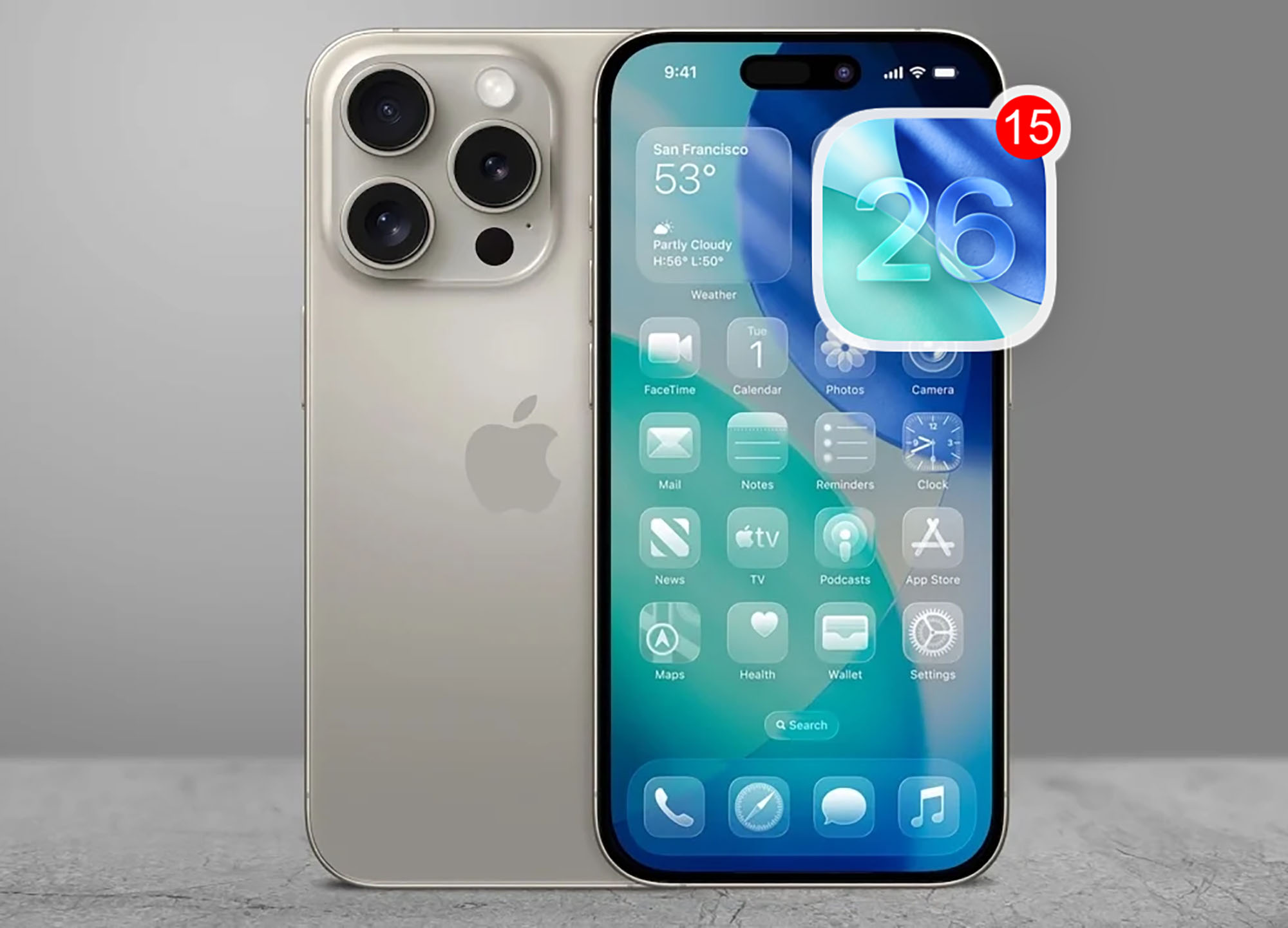
After two weeks of testing the new iOS 26 developer beta, here are 15 key changes that improve the user experience.
Lock Screen Evolution
1. Bottom widgets: A new widget panel has been added above the camera and flashlight buttons. Widgets move downward to keep the image in focus.
2. Music search: A new widget for quick track identification through the Music app.
3. Smart buttons: New buttons for controlling devices, reminders, and universal settings.
4. Live covers: Animated song covers on the lock screen for Apple Music.
Home Screen
5. Quick wallpaper switch: New option to change wallpapers without visiting Settings, improving convenience.
App Updates
6. Photos improvements: The Photos app adds a view settings menu and section organization options.
7. Call recording: Screen and call recording functionality introduced for users.
8. Object recognition: Google Lens-like functionality for identifying objects in screenshots.
New Settings Options
9. Message filtering: Unknown senders are now automatically archived in a separate folder.
10. Lens cleaning: iOS prompts you to clean the camera lens when dirt is detected.
11. Screenshot settings: New options to customize screenshot appearance and functions.
12. Snooze alarm: Added ability to customize alarm snooze duration for greater comfort.
13. Safari interface: Three Safari browser interface variants for user convenience.
14. Phone app: New voicemail features and call silencing options.
15. New ringtone: A new ringtone is available in sound settings for personalization.
0 comments