
















.png)












































.png)


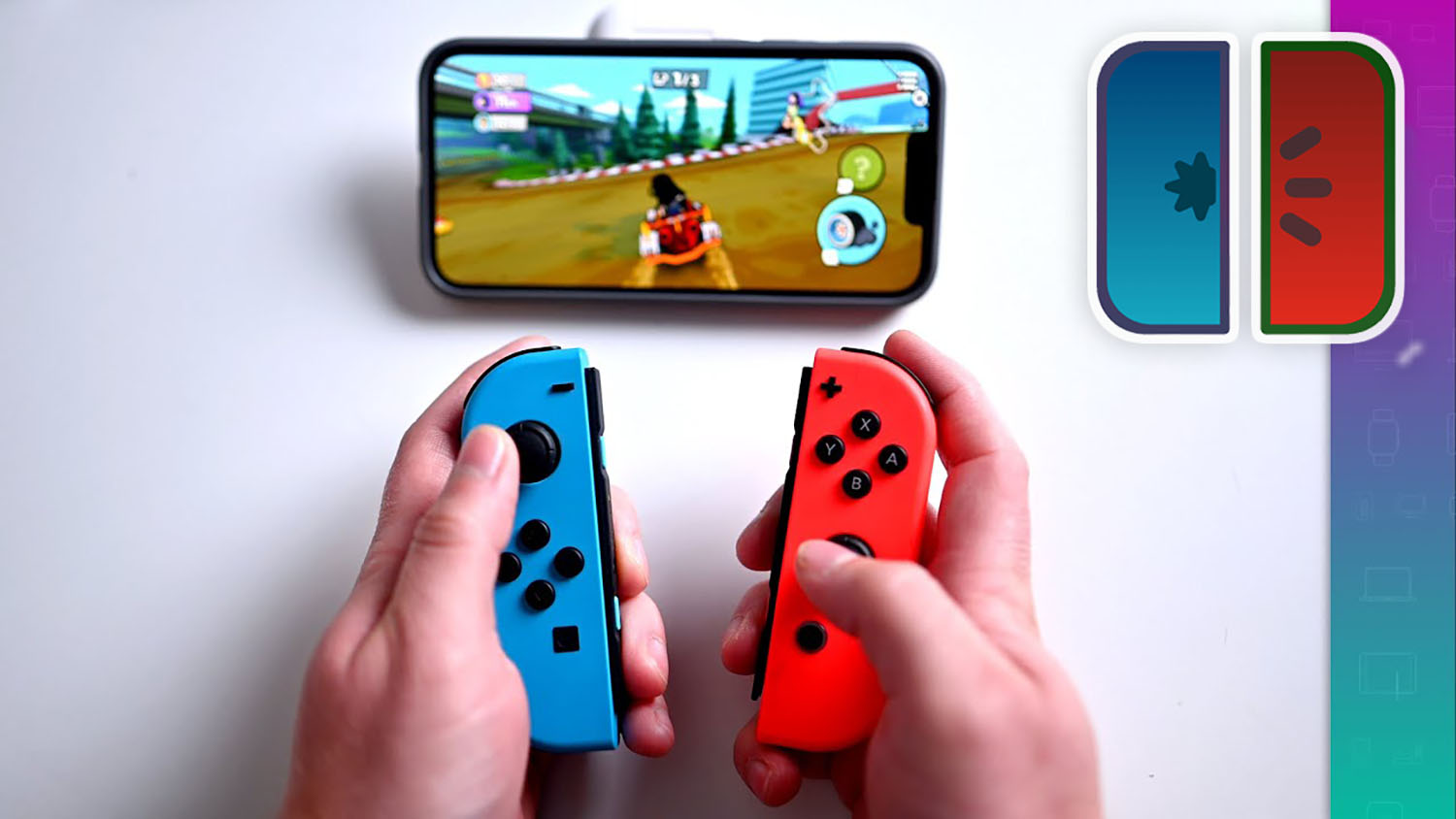
It is now possible to run Nintendo Switch games on iOS devices thanks to a new emulator. In this guide, we'll walk you through setting it up and running it on your iPhone or iPad.
What You'll Need
To get started, you'll need the following:
- iPhone or iPad running iOS 17 or later. Devices with powerful processors, such as the iPhone 15 Pro, are recommended.
- A Mac or Windows computer for some of the installation steps.
- Basic web research skills and a bit of patience.
Setup Guide
- Install the emulator app using a personal, corporate, or developer certificate, as it's not available on the App Store.
- Download the MeloNX app.
- Set up the Ryujinx emulator on your computer, import the keys and required software directly from your Nintendo Switch console.
- Transfer all necessary files to your iOS device.
- Install JitterBug and StikJIT to enable the JIT service on iOS.
Supported Games and Compatibility
The MeloNX emulator can run many Nintendo Switch games. For a full list of supported titles and RAM requirements, visit the developers' website.
Once you've completed all steps, enjoy the world of Nintendo Switch games on your iOS device!
0 comments