
















.png)












































.png)



At first glance, this is a choice between twins: both "Apple," both cost about the same, both cover basic tasks. But inside, the picture is different. The M1 is a mature laptop with clear strengths, the Neo is young and intentionally stripped down in the base version. Let's break down who should get what.
Context: Who's Who
The MacBook Air M1 came out in November 2020, and in 2024 Apple discontinued the model. It can still be found — in new condition, the price starts around 2,200 AED. Supplies are limited, and the further we go, the fewer there will be.
The MacBook Neo is the cheapest MacBook in Apple's history. Starting price is $599. At launch, the price started around 2,800 AED. Over time, the Neo will get cheaper, while the M1 will rise in price, because there won't be new ones, and demand won't go anywhere.
The paradox of 2026: the older laptop is currently cheaper than the new one. That's why the choice between them isn't obvious.
MacBook Neo


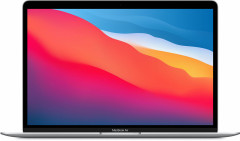
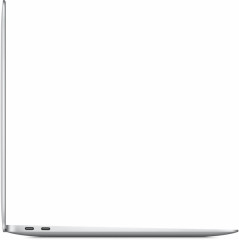
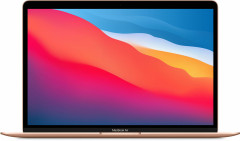
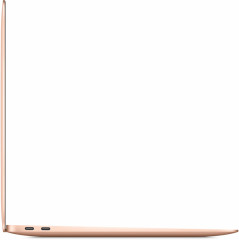
MacBook Air M1



Design: Retro vs Modernity
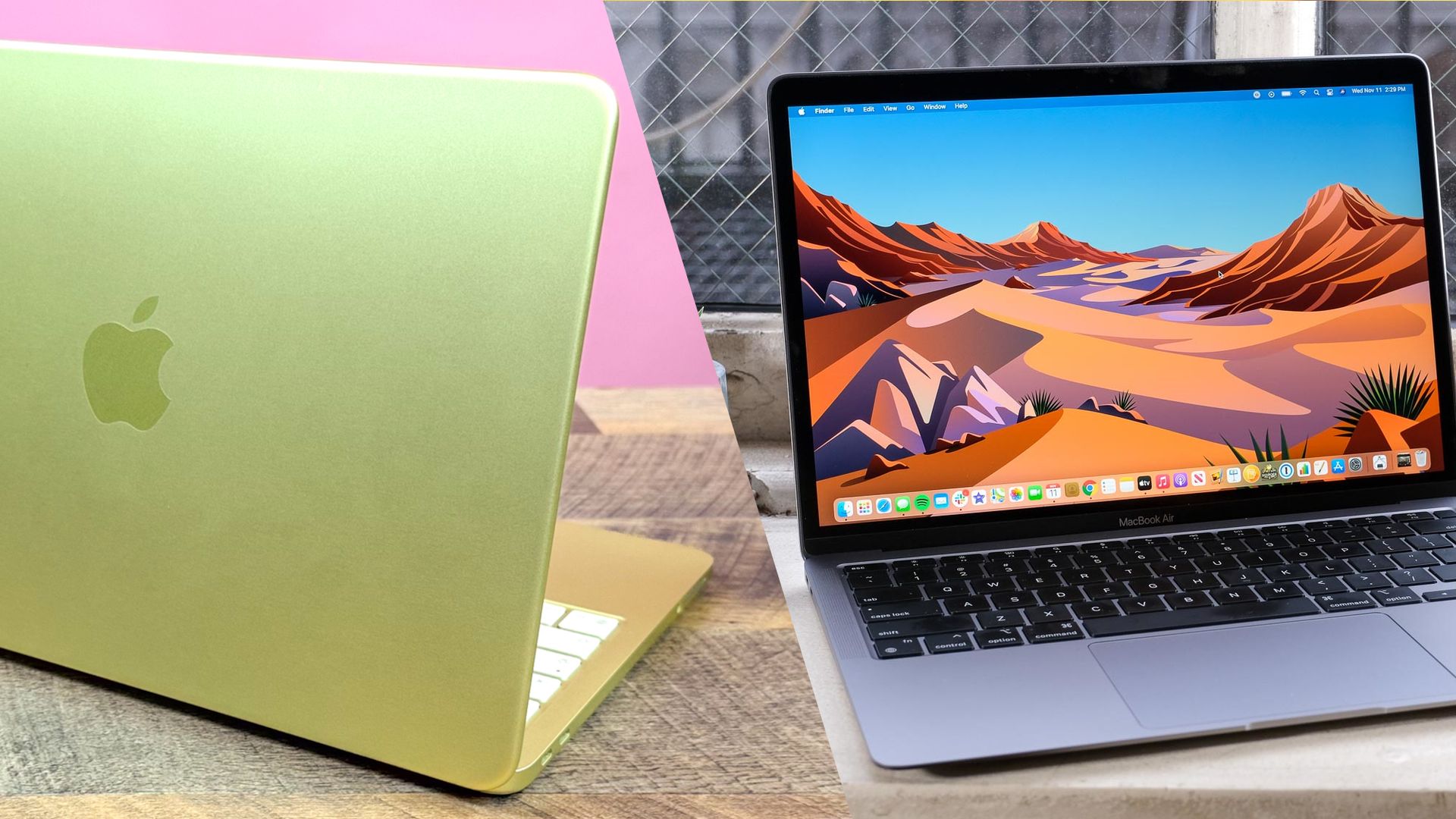
The MacBook Neo looks fresh. Vibrant colors — blush, citrus (rich yellow), indigo (deep blue), silver. Moreover, all details are color-matched to the body: the blush MacBook Neo has a pink keyboard and feet too. It looks cohesive and stylish.
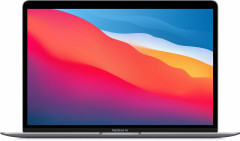
The MacBook Air M1 is more modest in colors — silver, gold, space gray. A classic that doesn't surprise but doesn't irritate either.
Want the laptop to stand out — the Neo wins. Prefer restrained style — the M1 is no worse.
Display: Numbers vs Feelings
Both displays are 13 inches. But then the nuances begin.
| Parameter | MacBook Neo | MacBook Air M1 |
|---|---|---|
| Resolution | 2408 × 1506 | 2560 × 1600 |
| Brightness | 500 nits | 400 nits |
| Color gamut | Standard RGB | P3 (wide) |
| True Tone | No | Yes |
The Neo is 100 nits brighter — but feeling the difference in everyday use is almost impossible. The M1 has better color reproduction: P3 wide color gamut, the picture is richer. True Tone automatically adjusts color temperature to room lighting — your eyes tire less during long sessions.
For most tasks, the difference is negligible. But if you work with photos or spend many hours at the laptop — the M1 will be more comfortable specifically due to True Tone.
Performance: Mobile Chip vs Desktop Chip
The MacBook Neo runs on the A18 Pro chip — the same one in the iPhone 16 Pro. Six CPU cores, five GPU cores.
The MacBook Air M1 runs on the M1 — a full processor for Mac. Eight CPU cores, seven or eight GPU cores.
For regular tasks — browser, email, YouTube, text editors, video calls — both handle it without questions. The Neo doesn't lag, everything flies. The difference appears under serious load: photo processing with many layers, video rendering, working simultaneously in several heavy apps. Here the M1 takes the upper hand — more cores, more power.
An honest observation: if the choice is specifically between these two laptops, it's likely about browsing, studying, and watching video. For such tasks, you simply won't notice the performance difference.
Memory and Storage: Where It's Important Not to Miss
MacBook Neo: 8 GB of RAM, can't be upgraded. Storage — 256 GB in the base version, 512 GB in the higher one.
MacBook Air M1: 8 GB in the base, but there's a version with 16 GB. Storage — from 256 GB.
RAM-wise — effectively parity. A 16 GB M1 exists, but it's hard to find now, and costs noticeably more. Storage-wise, both have the same story: 256 GB is little. In a couple of years, photos, files, and apps will fill it to the brim.
You need at least 512 GB. Especially important for the MacBook Neo: the base version is not only small in storage but also hardware-limited — more on that next.
Battery: M1 Pulls Ahead
The MacBook Neo promises up to 16 hours of video playback and up to 11 hours of browsing. The MacBook Air M1 — up to 18 hours of video and up to 15 hours on the internet.
A four-hour difference in active work — not a small thing. The Neo still lasts a full day without a power outlet. But if battery life is paramount — the M1 wins without caveats.
MacBook Neo
MacBook Air M1
Ports: The Neo's Unexpected Failure
Here's where the MacBook Neo disappoints where you least expect it.
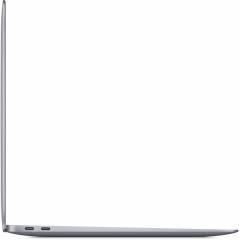
The MacBook Air M1 is equipped with two Thunderbolt 3 / USB 4 ports — fast, universal, with support for two external monitors.
The MacBook Neo also has two USB-C ports, but one is USB 3 (fast), the other is USB 2 (slow). No Thunderbolt at all. And most inconveniently: Apple didn't label which port is which. The back one is USB 3, the front one is USB 2. Connect an external drive to the front — and the transfer speed will be poor.
Plus the Neo supports only one external monitor vs two on the M1. For those who work with external drives or multiple monitors, the difference is fundamental.
Keyboard: The Base Neo Is Intentionally Stripped
The MacBook Air M1 has keyboard backlighting and Touch ID in any configuration — no exceptions.
The MacBook Neo in the base $599 version has neither backlighting nor Touch ID. A regular power button without a scanner. Both upgrades appear only in the $700 version — along with 512 GB of storage.
The conclusion is unambiguous: the base Neo at $599 makes no sense to buy. The $700 version — that's a different conversation. But then the price advantage over the M1 sharply shrinks.
Which to Choose
The MacBook Air M1 — if you need a laptop right now and want maximum value for your money. Better screen, faster ports, more battery life, backlighting and Touch ID in the base. By the sum of parameters, the M1 wins over the Neo almost everywhere — while currently costing less.
The MacBook Neo — the choice for those looking 3–4 years ahead. When its price settles and the 512 GB version becomes more accessible — the ratio will change. Apple will support the Neo with macOS updates longer than the M1. Sooner or later, the old chip will be phased out of current configurations — and the Neo owner will be in a winning position.
If you work with external monitors or drives — only the M1, the Neo's ports are weak. If modern design and vibrant colors matter — the Neo wins visually. For the rest, the choice depends on one question: do you need a laptop today, or are you willing to wait for the Neo to get cheaper?
0 comments