
















.png)












































.png)


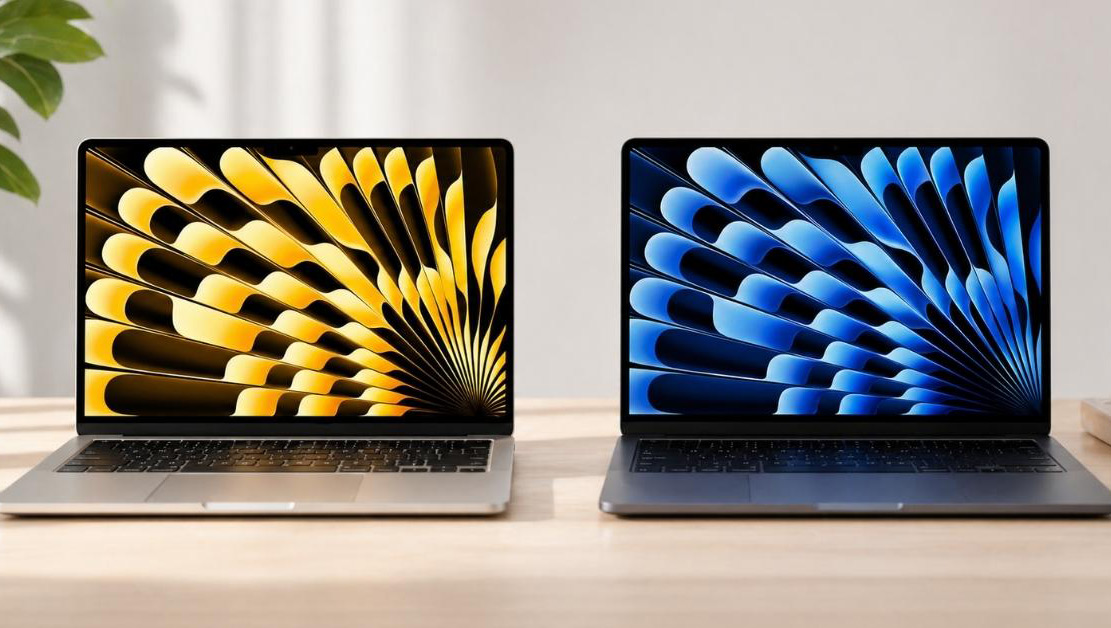
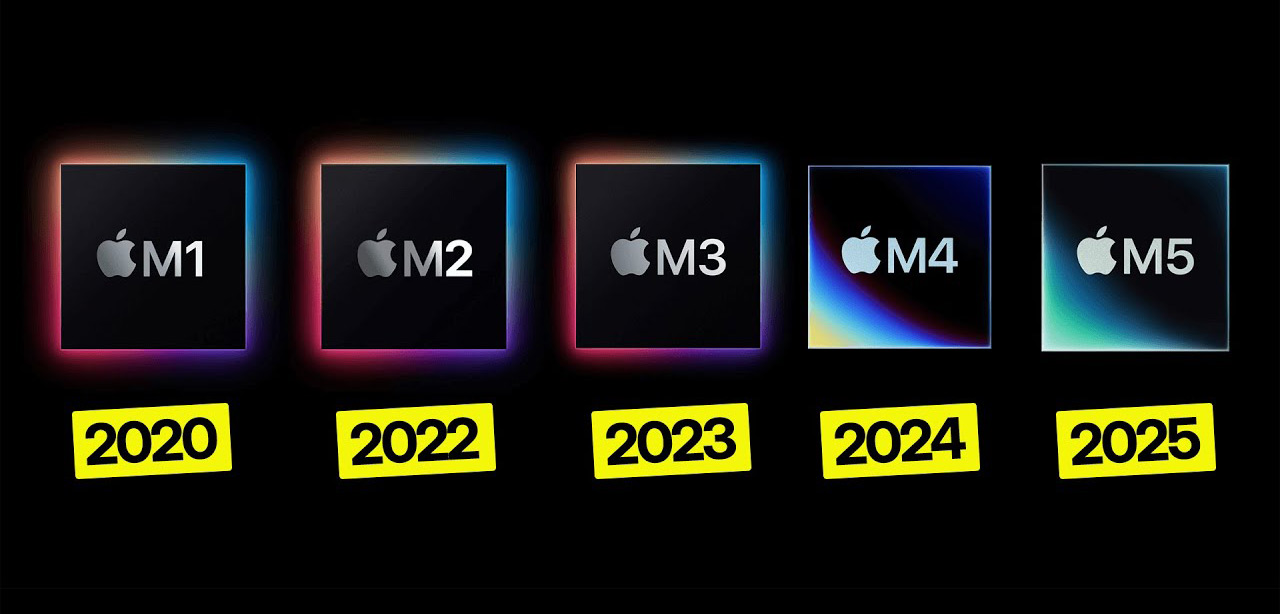
The MacBook Air lineup on Apple's own ARM processors completely revolutionized the portable computer market. Compact, absolutely silent, and incredibly long-lasting laptops instantly became the industry standard for ultrabooks. However, today the buyer faces an extremely difficult choice. The secondary market is full of affordable M1 and M2 options, stores still stock last year's M3 and M4, while Apple actively pushes the newest M5.
The company's marketers promise exponential performance gains every year. We tested all five chip generations under identical conditions to separate marketing claims from real user experience. Below is a detailed breakdown of speed, battery life, heat, and graphics power without synthetic benchmarks detached from real-world use. This guide will help precisely determine which generation is genuinely worth paying extra for in 2026.
MacBook Air M5 at great prices

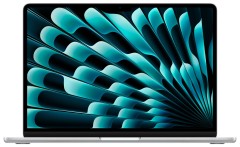
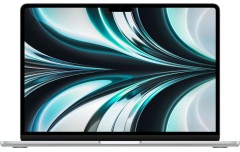
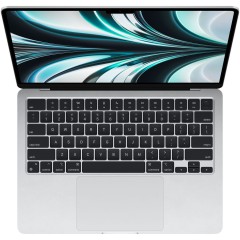





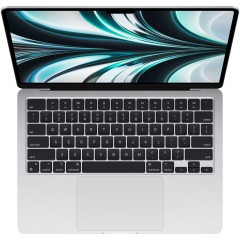
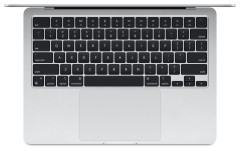
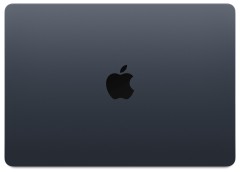
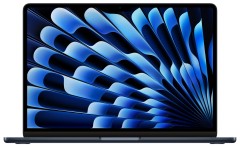
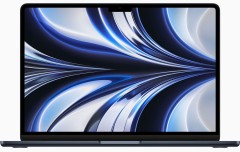
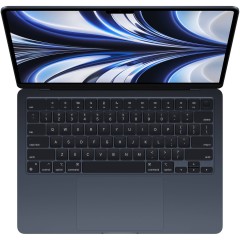
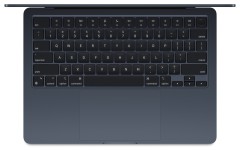

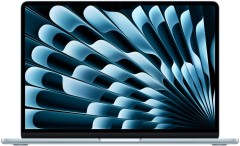








Physical Differences and Era Changes
Evaluating a portable computer logically starts with exterior and ergonomics. Dimensions, weight, and tactile impressions form impressions of the device long before launching heavy professional programs.
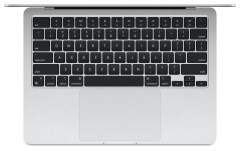
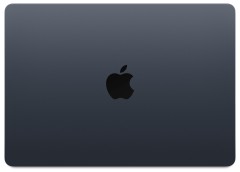
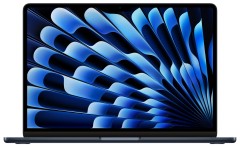
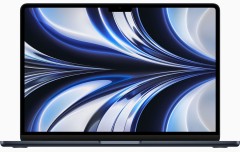
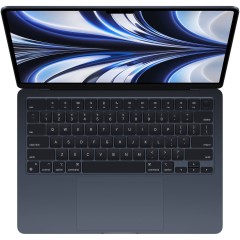
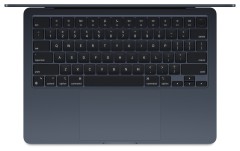
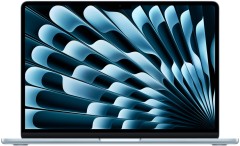
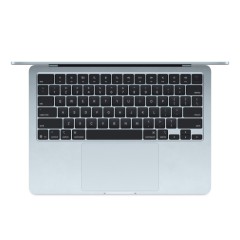
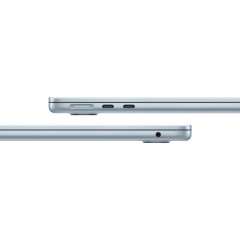
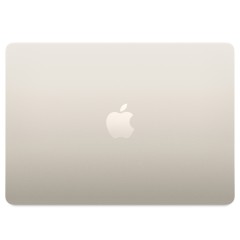
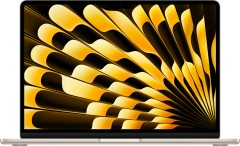
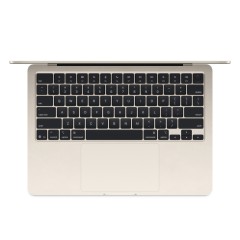
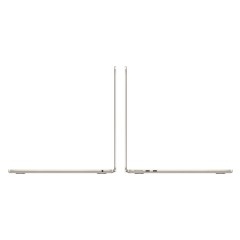
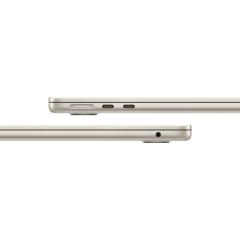
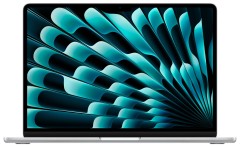
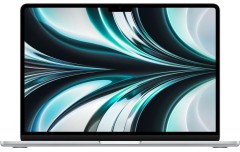
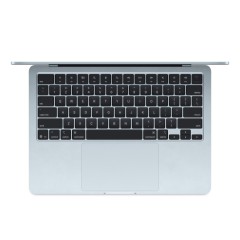
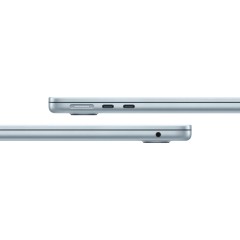
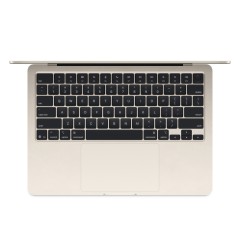
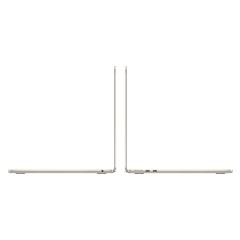
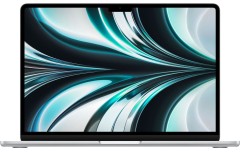
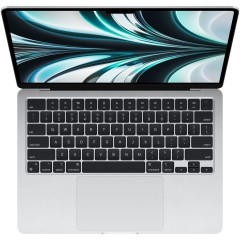
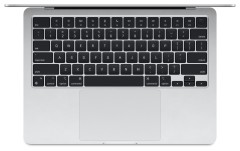
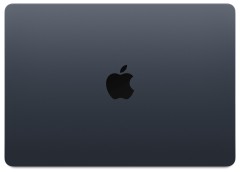
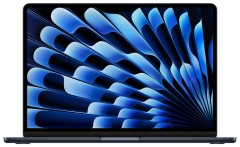
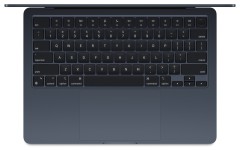
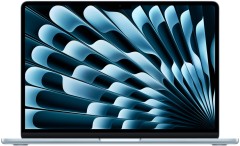
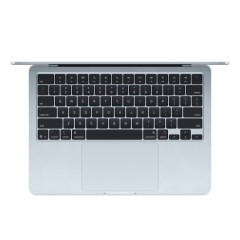
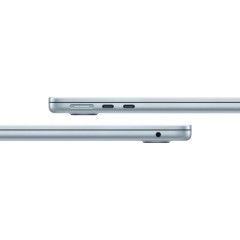
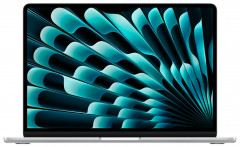
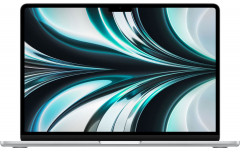
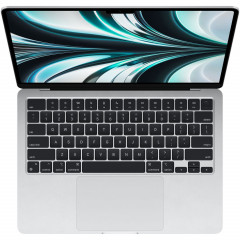
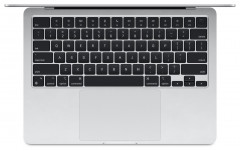
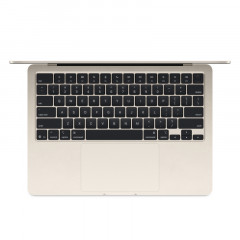
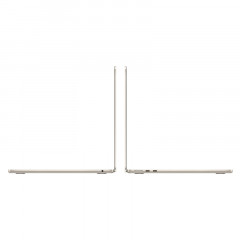
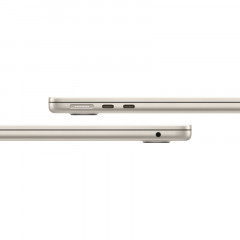
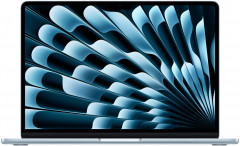
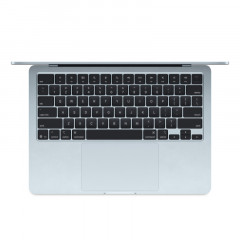
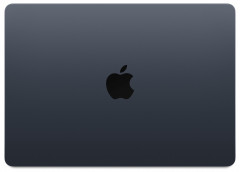
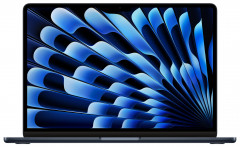
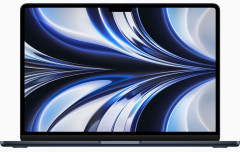
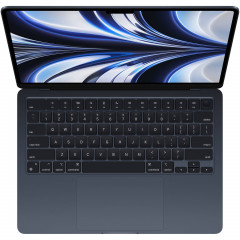
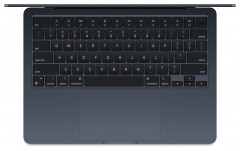
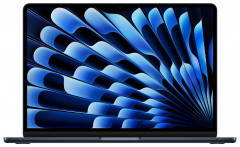
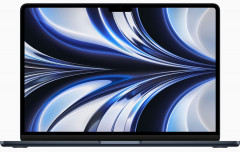
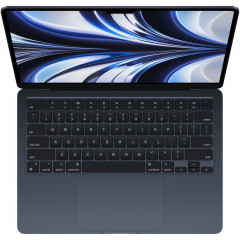
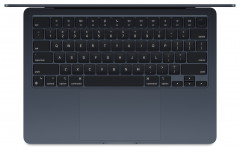
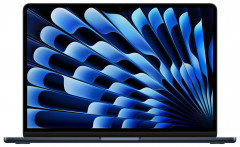
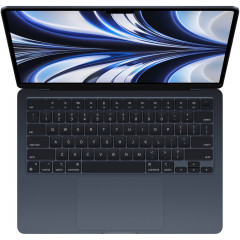
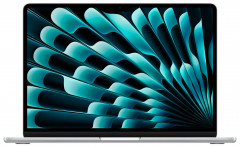
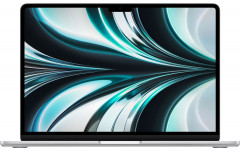
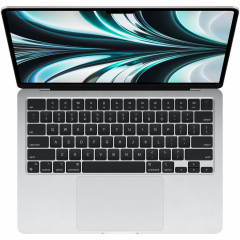
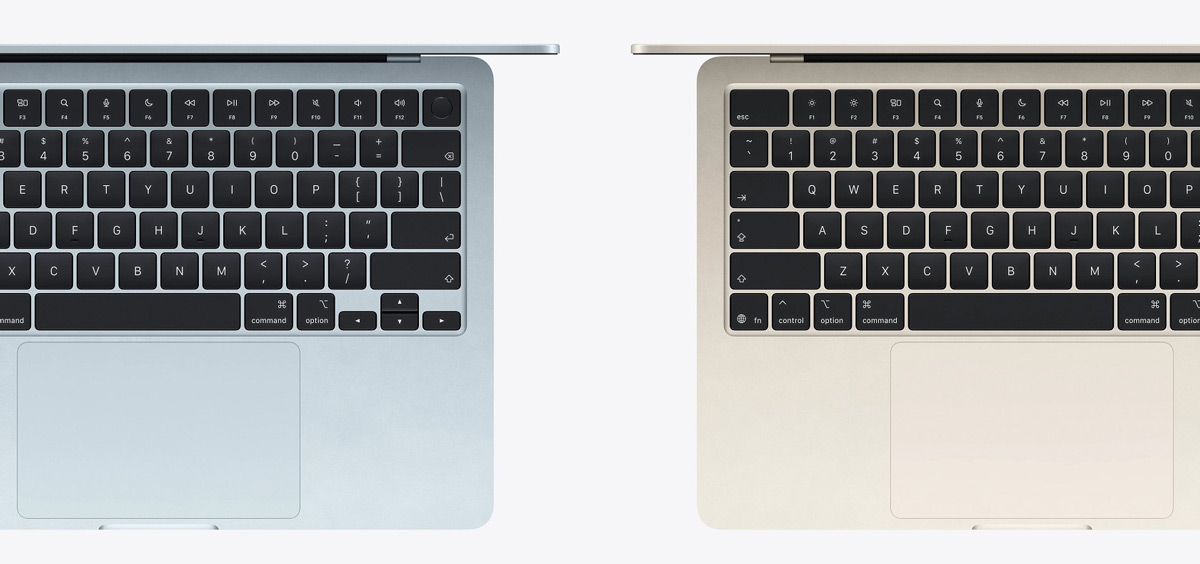
Over the past years, the physical lineup changed only once. In 2022, engineers completely reworked the chassis for the M2 chip version. The laptop permanently shed the classic wedge shape, gaining a flat, even body. A brighter display with a characteristic notch for an improved webcam appeared, along with a fresh four-speaker sound system and the long-awaited MagSafe magnetic charging. Since then, the M3, M4, and newest M5 generations look absolutely identical externally. Only the very first M1 differs.
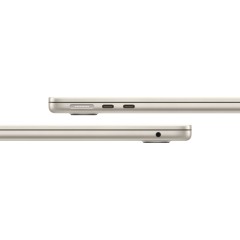
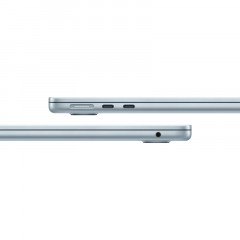
The first generation design looks openly outdated today due to wide screen bezels. The main problem for old version owners is charging exclusively through a USB-C port. The port quickly loosens from constant use, and the power cable perpetually occupies one of the two available ports. The magnetic connector in newer models completely solves this problem and saves the laptop from falling if someone accidentally catches the cable with their foot.
MacBook Air M4 at great prices


















Basic Scenarios and the RAM Problem
An ultrabook's performance is best tested in routine tasks. Let's divide everyday work into two load levels.
Light mode. The user opens a couple of messengers, an email client, standard notes, and a browser with a dozen tabs. Under this scenario, finding the difference between M1 and M5 is physically impossible. Both laptops work lightning-fast, apps start without delay. The newer M4 and M5 chips render script-heavy websites a fraction of a second faster thanks to powerful single-core performance. Noticing this speed bump is only possible with a direct screen confrontation.
Work mode. Forty browser tabs open, a heavy corporate messenger running in parallel, a huge Excel spreadsheet, and a graphics editor project. Here, the main role isn't the processor's peak power but the available RAM.
Base versions of M1, M2, and a significant portion of M3 shipments came with 8 GB of unified memory. For modern multitasking, this volume is catastrophically insufficient. Laptops on the newer M4 and M5 chips ship with a 16 GB base. The improvement is felt instantly. The OS stops aggressively unloading backgrounded tabs, switching between heavy windows happens without micro-freezes, and applying photo filters works noticeably smoother.
Storage and Hidden System Speed
Internal SSD speed directly affects the computer's overall responsiveness. Apple engineers frequently changed the NAND memory chip configuration from generation to generation, affecting final read and write performance.
The base MacBook Air M5 comes with a 512 GB drive. This module's speed is significantly higher than on the 256 GB drives of previous versions. A fast SSD is needed not just for copying heavy video folders. It literally saves the system when RAM runs out.
When RAM overflows with a huge number of running programs, macOS starts temporarily offloading unused data to the internal storage. A so-called swap file forms. The faster the drive works, the more invisible this data juggling process is to the user. System monitoring clearly shows how newer versions easily handle buffer overflow precisely thanks to fast drives.
Chargers and Adapter Power
Laptops traditionally come with branded chargers, but their power leaves much to be desired. Base adapters output a modest 30–35 watts, while the updated M5 block provides 40–60 watts.
The problem lies in fast charging support. Starting from the M2 generation, the entire Air lineup can quickly replenish energy, but activating the protocol requires a power adapter of at least 70 watts. Moreover, included adapters often have only one port. Charging a work computer, tablet, and phone simultaneously on a trip isn't possible. A sensible solution is buying a powerful third-party GaN adapter at 100–160 watts with multiple USB-C ports.
Programming and Neural Network Work
Let's look at different architectures' behavior in specific professional workloads requiring serious computational resources.
When compiling short code fragments in Xcode, newer chips show an impressive lead. Short operations execute several times faster on M4 and M5. If programming is your main profession, the investment in a newer chip quickly pays off in saved work time. During prolonged compilation of huge databases, the difference between chips slightly smooths out due to inevitable body heating.
Apple equips each proprietary processor with a separate Neural Engine block for machine learning tasks. On older M1 and M2 chips, this module is frankly weak by modern industry standards. In the latest models, the gap between M4 and M5 turned out minimal. Note that local AI computing is still in its infancy. Apple Intelligence works with significant regional limitations in some markets, so chasing maximum neural network power today makes little sense.
Video Editing and Heavy Graphics Processing
Creative tasks are traditionally considered a strong side of macOS. Software optimization here reaches phenomenal levels.
If the work scenario is limited to light vlog editing in Final Cut, DaVinci Resolve, or Premiere Pro, there's no significant difference between chips. All crystals handle popular H.264 and HEVC formats, which smartphones and mirrorless cameras shoot in, without issues. Difficulties for older models arise exclusively when applying resource-intensive 3D effects or using software noise reduction.
There's one critically important exception. The original M1 crystal lacks hardware media engines for working with the professional ProRes format. When trying to edit heavy video from a modern iPhone, the old Air will openly stutter and drop frames. Subsequent generations handle the heavy codec effortlessly thanks to built-in decoders.
Gaming and Hardware Ray Tracing
The gaming industry is gradually adapting to Apple Silicon architecture. Graphics cores in newer processors show worthy results in modern demanding titles. The M5 ultrabook confidently runs the heavyweight Cyberpunk 2077 at acceptable frame rates, without turning gameplay into a slideshow.
For professional 3D modeling in programs like Blender or Cinema 4D, the unconditional favorites are M3, M4, and M5 devices. These chips support hardware ray tracing. The technology exponentially accelerates final rendering of complex scenes with realistic lighting and reflections. The newest chip shows a significant lead even over its direct predecessor, the M4.
Passive Cooling and Thermal Limits
High power inevitably generates heat. Here users face the main design feature of the Air lineup.
Inside the thin ultrabooks, there are no fans. Heat is dissipated passively through a small metal heatsink on the motherboard. In basic office tasks, the laptop stays absolutely cold. The system runs silently, not collecting dust inside the body.
The situation changes when launching a resource-intensive game or heavy video rendering. The aluminum bottom quickly heats to 44–45 degrees. Holding the hot metal on your lap becomes physically uncomfortable. The processor starts dropping clock speeds to prevent overheating — throttling kicks in. There's no fundamental difference in the cooling system between the five generations. Under serious sustained load, all laptop versions heat up. The form factor dictates its own harsh physics rules.
Real Battery Life and Battery Wear
Marketers' claimed battery life figures often diverge from harsh reality. We ran an honest test, launching cyclic video playback at 100% charge on all machines.
The test stopped when the original M1's charge dropped to 5%. At that same moment, M2 showed 12% remaining. M3 and M4 indicators froze at the identical mark of 18%. The absolute leader was the fresh M5 with an impressive 27% battery remaining. Calculated to real time, the newest crystal works an hour and a half longer than its predecessors.
It's critically important to account for the chemical aging factor of battery cells. An old ultrabook from the secondary market comes with a degraded battery. After hundreds of recharge cycles, battery capacity inevitably drops below 90%. A used computer will discharge one and a half times faster than a new machine straight out of the box.
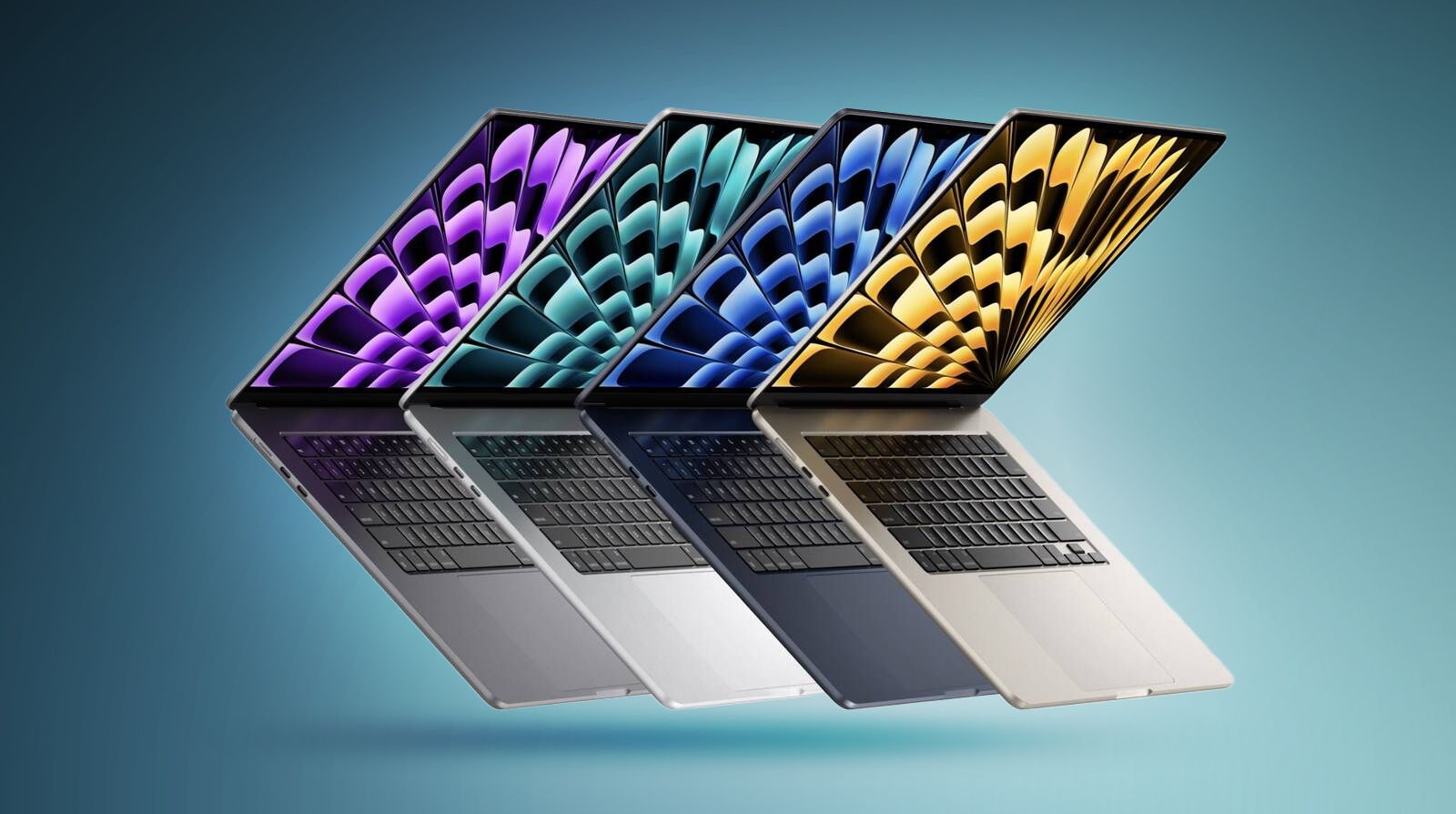
Which Processor to Choose for Your Tasks
The final decision depends on the hardware at hand and the allocated budget.
Consider the upgrade scenario. Owners of current machines on M2 or M3 chips have no practical reason to upgrade. The difference in web page loading speed is unnoticeable, and the devices' design is completely identical. Buying a new model for a couple percent performance gain would be a waste of money.
Owners of the original M1 should seriously consider upgrading. Six years of continuous service is an excellent lifespan for a portable computer. The battery is likely significantly worn, and the old design betrays the device's age. Switching to the M5 version will bring plenty of positive emotions. The user gets a bright screen, convenient magnetic charging, quality sound, and double speed in heavy projects.
When buying a first computer from scratch, the selection logic is maximally simple. Looking for M3 or M4 versions on the secondary market makes sense exclusively with a huge seller discount. Otherwise, it's smarter to go straight for the current M5. The buyer gets 16 GB of RAM in the base, a fast drive, record battery life, and guaranteed support for fresh OS versions for at least seven years ahead.
Current configurations of Apple's portable computers, as well as high-power chargers, are always in stock in our online store catalog.
0 comments