
















.png)












































.png)


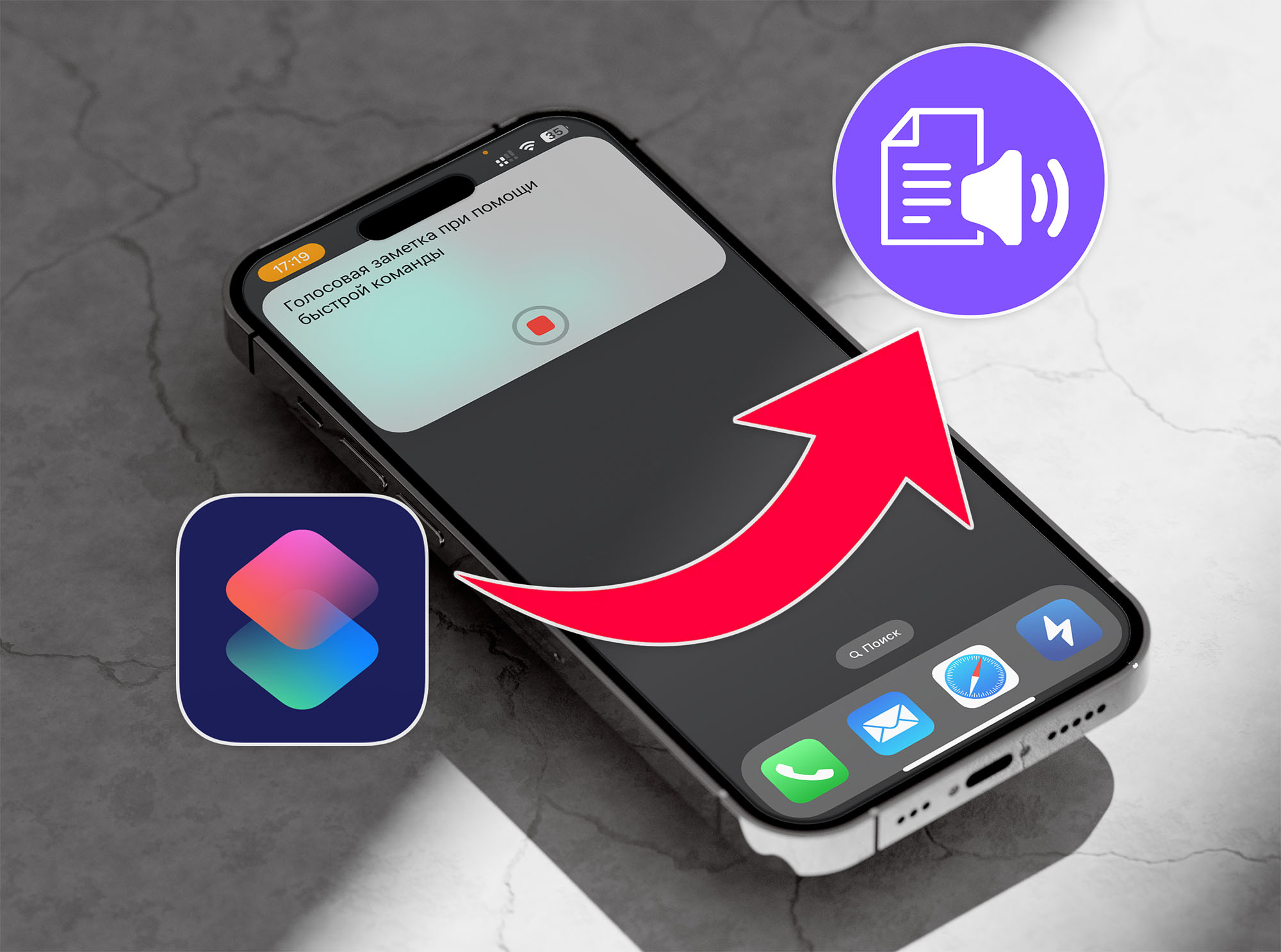
Recording notes by voice on your iPhone is fast and convenient. An automated shortcut can turn your voice into text.
Step-by-Step Guide
Step 1: Install the "Shortcuts" app.
Step 2: Download a dedicated dictation shortcut.
Step 3: Enable the "Dictation" option in keyboard settings.
Step 4: Add your preferred language under "Dictation Languages."
Step 5: Place the shortcut widget on your home screen. Grant the necessary permissions on first launch.
Step 6: To create a note, launch the shortcut and dictate your text. The text will be transcribed and copied to your clipboard.
This method lets you quickly and efficiently create text notes by voice, which is especially useful when you're short on time.
0 comments