
















.png)












































.png)


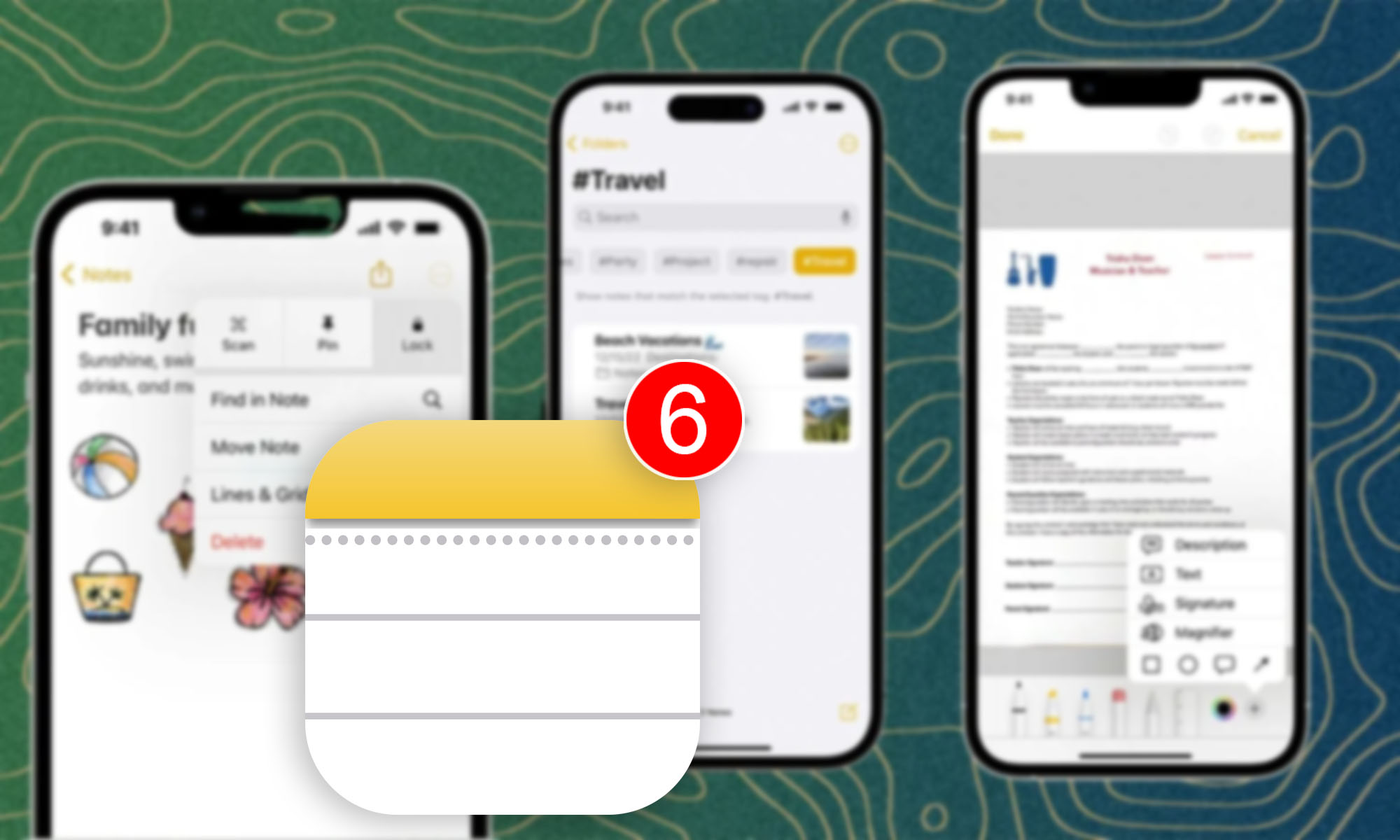
The Notes app on iPhone is a powerful tool for organizing data. It offers not just simple note lists, but also tags, smart folders, and various formatting options.
1. Quick switching between notes
For convenient switching between notes, use the recent notes menu accessible through the three dots in the upper right corner.
2. Saving PDF files to notes
Save PDF files to your notes: open a page in Safari, select "Share," then "Print," and "Share" again, choosing the Notes app.
3. Links to notes within the app
Link notes together by creating internal links. Select text in a note and attach a link to it, specifying the name of another note.
4. Built-in scanner
Scan documents right from your notes using the built-in scanner. Choose options for scanning text or adding photos.
5. Shared folders
Create folders and share them with others, granting view or edit permissions.
6. Smart folders
Organize your notes with smart folders that create selections based on specified criteria.
These features make the iPhone Notes app capable of replacing many cloud services without additional subscriptions.
0 comments