
















.png)












































.png)


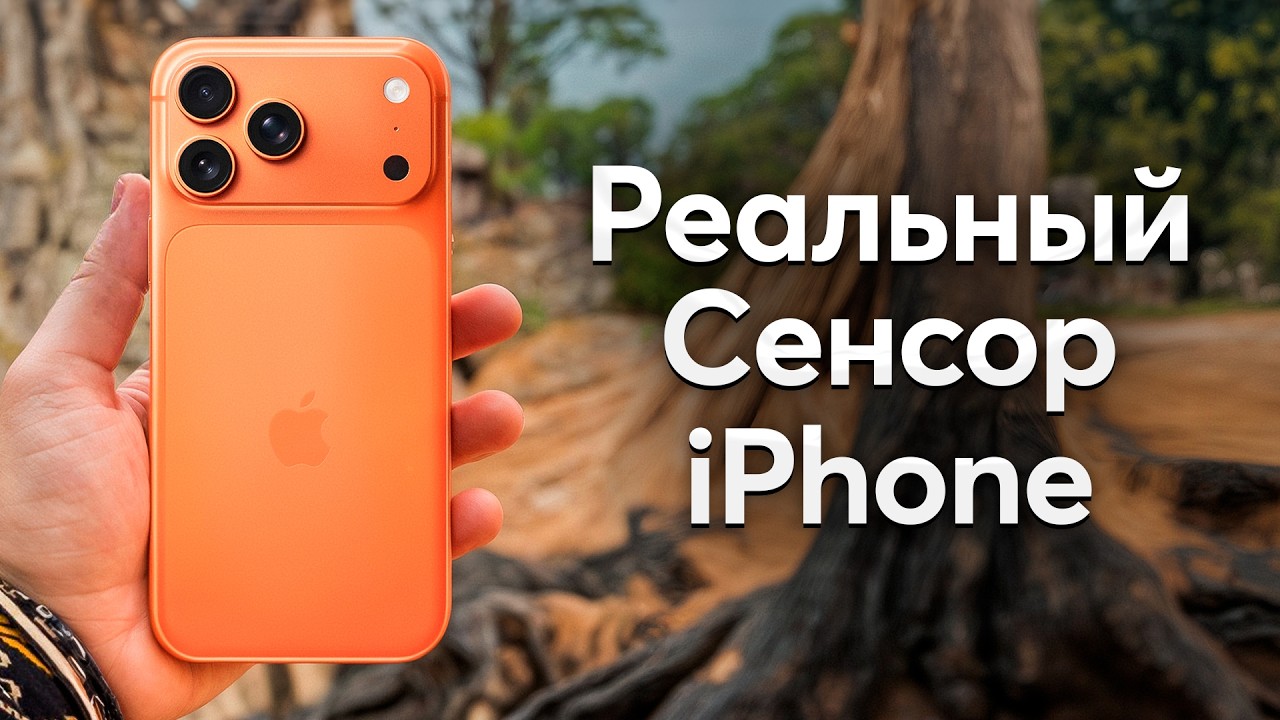
The claim about a bad camera in Apple smartphones sounds strange, given the ironclad reputation of the brand in the mobile photography world. The brand's devices are indeed equipped with cutting-edge sensors and excellent lenses. But professional photographers will confirm the harsh truth: built-in processing algorithms regularly destroy the original shot, stripping the image of naturalness and artistic value.
The smartphone intervenes too aggressively in the photo creation process. Neural networks desperately try to make a photo "perfect" for the mass consumer. The device artificially brightens deep shadows, unnaturally boosts edge micro-contrast, and turns human faces into smooth plastic masks without a single blemish. Computational photography stretches the dynamic range to the limit but ultimately completely flattens depth and the natural atmosphere of the moment. Fortunately, the intrusive AI assistance can be bypassed. We review working third-party software for regaining optics control and revisit the fundamental rules of exposure.
iPhone 17 Pro Max at great prices




The Illusion of the Perfect Shot and the Search for Alternatives
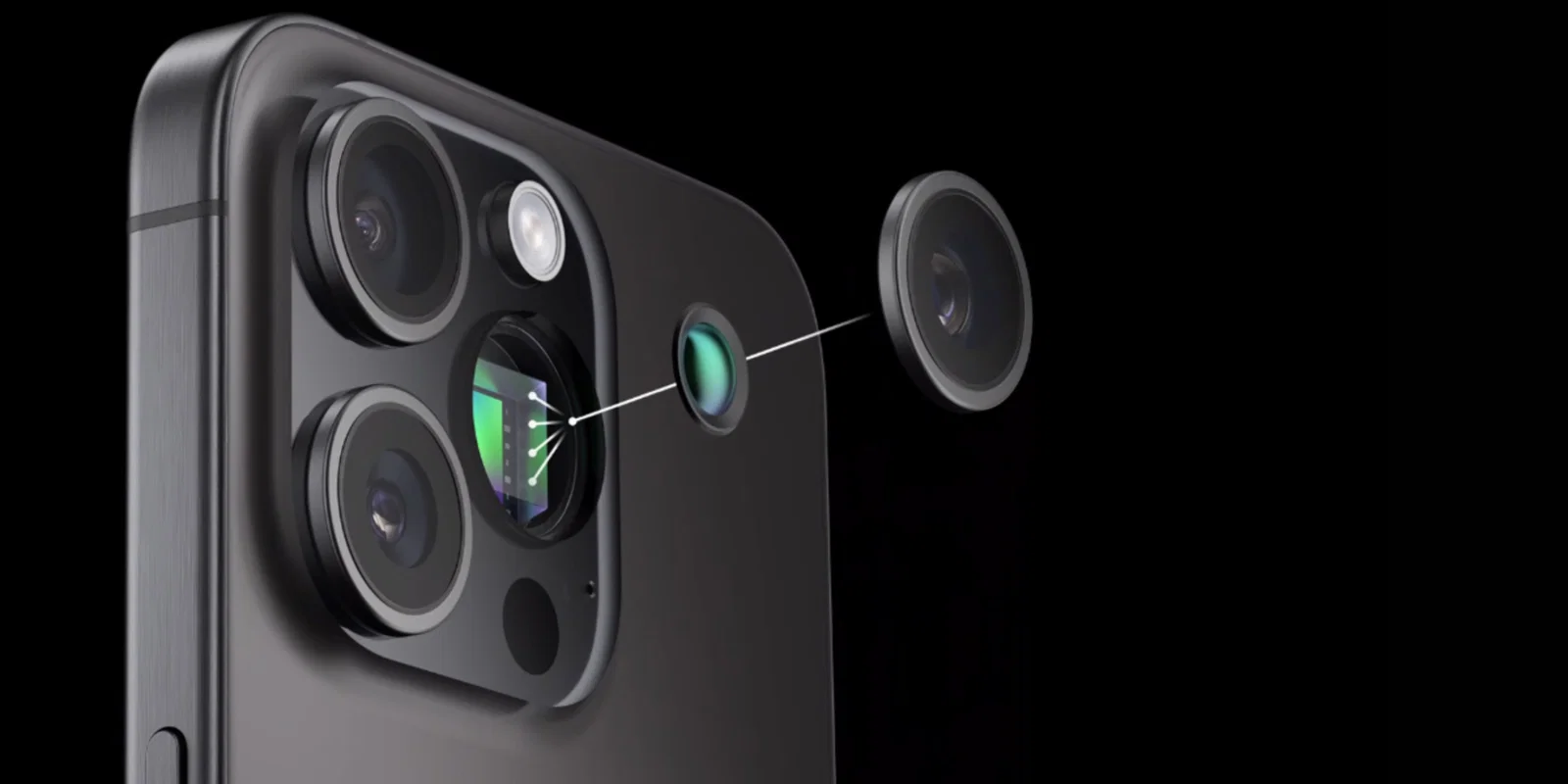
To get a clean shot without computational photography interference, you'll have to completely abandon the standard camera app. The built-in Deep Fusion algorithm forcibly merges multiple shots with different exposures into one, mercilessly destroying the natural light and shadow pattern. The market offers dozens of alternative shooting apps, but most known utilities have critical flaws.
The popular tools Halide and ProCam indeed produce honest RAW files without imposed processing. The problem is that raw shots look frankly flat and dull. Publishing such images without deep color correction in a third-party editor is impossible. Mood Camera beautifully applies film presets during shooting but has a fatal flaw — the user physically can't see the final result on screen before pressing the shutter. Shooting blind in 2026 seems an absurd decision. Moment Pro Camera delights with an intuitive interface, but developers artificially limited file resolution to 12 megapixels and restricted optical zoom work.
No Fusion Settings: Regaining Control Over the Image
Through extended testing, the ideal tool was finally found. The No Fusion app solves the main problem of mobile creators — fully disabling the phone's proprietary processing and allowing flexible real-time visual style customization. The interface copies the familiar iOS shell but hides powerful image customization parameters under the hood.
The app's main feature lies in its built-in color profiles. Right on the viewfinder screen, you can switch between recipes mimicking classic analog film from legendary brands like Kodak, Fuji, and Hasselblad. A right swipe makes the image warm and contrasty, a left swipe adds a cold cinematic tone.
Additional sliders let you dial the shot's atmosphere to a perfect state. The Bloom parameter creates a delicate glow around bright objects, adding vintage feel and softening harsh digital flare. The first or second intensity level works flawlessly without turning the photo into mush. The Grain tool adds digital grain, hiding excessive sharpness of the glass lens. The Vignette setting darkens frame edges to create emphasis on the composition's center, though this filter should be used with extreme caution. The software can save files in two formats simultaneously — a heavy RAW file for deep computer color correction and a ready JPEG at maximum 48-megapixel resolution.
Comparing Algorithms in Real-World Shooting Conditions
To see the difference clearly, simply pit both algorithms under identical lighting conditions. Head-on shooting immediately reveals the standard auto mode's weak points.
When taking an indoor portrait, the standard app produces a mediocre result. The model's face is mercilessly smoothed by smart algorithms, as if passed through cheap social media beauty filters. Shadows are aggressively brightened, causing the background to merge with the main subject. The image looks flat and lifeless. The third-party app with the Kodak Portra profile leaves shadows deep and makes skin texture maximally natural. The right contrast and proper visual volume appear.
Outdoors on a sunny day under harsh sun, the base app can't handle the dynamic range. The sky blows out to an even white spot, shadows on architecture brighten to unnatural gray tones. The algorithm desperately tries to light up every detail in the frame. The alternative software preserves the sky's deep blue and leaves shadows alone. Thanks to the proper difference between light and dark, buildings gain realistic massiveness.
When shooting a sunset, Apple's auto mode makes its main mistake — trying to suppress the beautiful backlight and pull up dark areas again. The result is an incoherent gray mush instead of a gorgeous landscape. The third-party software honestly captures reality. Shadows stay black, and the sun retains a noble warm tone.
iPhone 17 Pro at great prices








In pitch-black night conditions, both programs struggle. The proprietary algorithm pushes exposure to the physical limit, turning the night city into a pixelated mess of colored noise. The third-party utility also produces noise due to the small sensor size but does the job significantly more elegantly. The resulting artifacts resemble coarse film grain, and the overall contrast of the night scene isn't destroyed.
Light and Angle as the Foundation of Mobile Photography
The right software returns optics control but categorically doesn't solve fundamental composition problems. Even the most expensive lens system won't save a portrait if the laws of light physics are violated. An excellent photograph is always built on proper lighting.
Shooting at noon under direct sunlight guarantees a visual failure. Harsh black shadows immediately appear on the model's face, eyes fall into dark sockets, and the background is covered in white blown highlights. A single dim lamp in a dark room gives a similarly frightening effect — the face turns yellow, and the background turns into a black, dirty void.
The best period for working with a mobile camera is traditionally called the golden hour. The short time window right after sunrise or before sunset provides extremely soft, warm light at an acute angle that paints beautiful elongated shadows. Excellent atmospheric portraits are obtained in cloudy weather, when dense clouds work as a giant natural light diffuser. When shooting indoors, always seek natural diffused light from the nearest window.
The second basic rule concerns choosing the right angle. Shooting a portrait from below looking up will guaranteedly add a massive double chin to the person and catastrophically distort body proportions due to the mobile lens's wide angle. The smartphone should be held strictly at the model's eye level. It's important to remember the rule of thirds — mentally dividing the screen into nine equal squares helps position the main subject at perfect line intersection points. Take a step to the side before pressing the shutter so trees or lampposts don't grow out of the subject's head.
A Rational Approach to Choosing Modes
Everyday routine dictates strict rules for content consumption. When you urgently need to capture a printed document, photograph a price tag in a supermarket, or catch a funny moment on the run, launching third-party apps and tuning preset sliders is absolutely not an option. For instant event capture, the phone's stock camera is perfectly suited. The fast algorithm works in a fraction of a second and delivers an excellently readable result.
The situation changes radically when creating deliberate commercial or artistic content. If you need to take quality portraits for a personal brand, shoot an aesthetic visual blog, or build a beautiful portfolio, standard iOS algorithms become an insurmountable obstacle. Disabling aggressive neural network processing returns cinematic depth, proper volume, and natural color rendering to mobile shots. The user gains enormous creative space, inaccessible to the mass consumer.
Current flagship portable electronics models with the best camera modules are always available in our online store catalog.
0 comments