
















.png)












































.png)


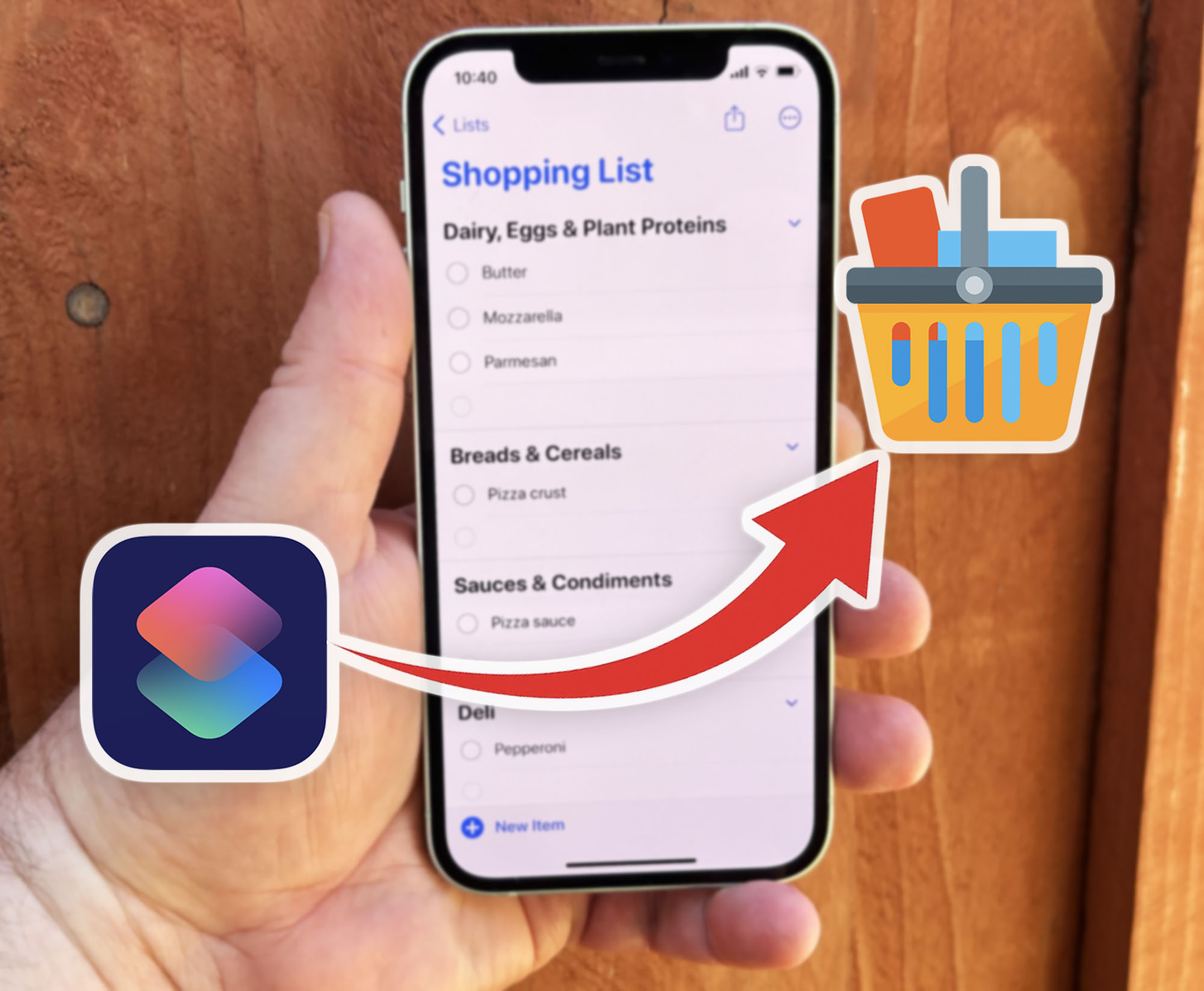
Forget to buy items at the store? Set up an automation on your iPhone to get shopping reminders when you arrive at the store.
1. Install the "Shortcuts" app.
First, download and install the "Shortcuts" app from the App Store.
2. Download a shopping list shortcut.
Find and download a shortcut that will activate when you visit the store.
3. Configure the shortcut.
Enter editing mode for the shortcut. Specify the note with your shopping list or select the "Reminders" app.
4. Create an automation.
In the "Automation" tab, select "Create Personal Automation." Create an "Arrive" trigger and select your store's location.
5. Set the activation time.
Specify when the shortcut should activate and enable "Run Immediately."
6. Launch the shopping list.
Select the action "Run Shortcut — Open Shopping List." Now your iPhone will remind you about your shopping list when you arrive at the right location.
0 comments