
















.png)












































.png)


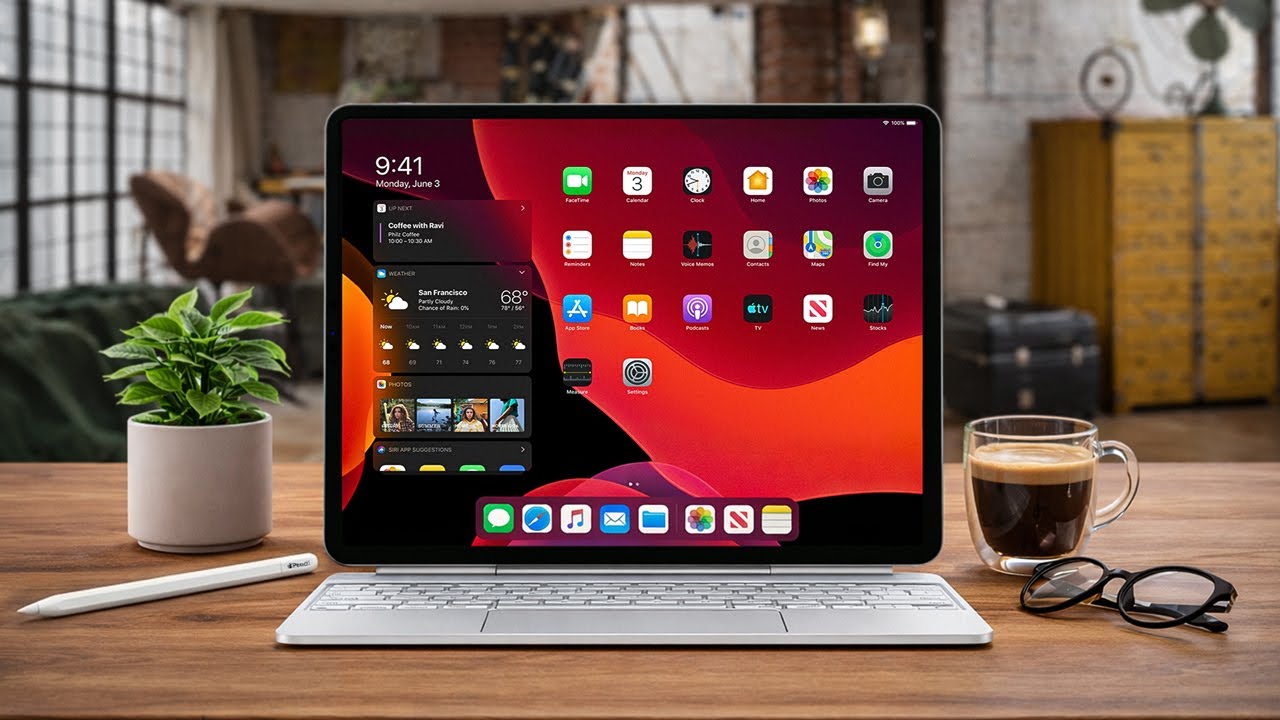
The iPad Pro with Magic Keyboard costs as much as a MacBook, looks almost like a MacBook — and Apple has long hinted that this is the laptop replacement. To test this not in words but in practice, the Techno Buyer team ran an experiment: for a full work week, all work tasks were performed exclusively on the iPad. Email, documents, video editing, messengers. No exceptions, no sugarcoating.
Here's the honest result.
7 Reasons to Try iPad Instead of a Laptop
1. It's Genuinely Light — and That Changes Everyday Life
An 11-inch iPad versus a 13-inch MacBook isn't just a difference in numbers. It's a different daily experience. It fits easier in a backpack, takes up less desk space, and weighs noticeably less in your hand. On paper — a minor detail. In practice — these small things add up to how you feel when you pick up the device each morning.
2. iPad Doesn't Tie You to a Desk
With a laptop, you always "sit down to work": open the lid, place it on a desk, get into the zone. The iPad changes the rules. You can take it to the couch, settle into a cafe armchair, or hold it standing. Reading a long contract, watching a video in the kitchen, showing something to a colleague — just turn the screen, and it's done. You can't do that with a MacBook.
The one caveat: if your work involves a lot of information on screen simultaneously, 11 inches might not be enough. In that case, look at larger-screen models right away.
3. The Touchscreen Is Faster Than You'd Think
When you have a keyboard and trackpad, reaching for the screen with your fingers seems like an unnecessary movement. In practice — exactly the opposite.
Calculator, switching tabs, scrolling a long article — doing it with a finger is faster than with a cursor. The brain doesn't even register it as an "action": the hand moved — it's already done. The same reflex as on a smartphone. No cursor aiming, no misclicks. It's not a mouse replacement — it's an additional tool that turns out to be faster and more natural for simple tasks.
4. Apple Pencil Is Useful Even If You Don't Draw
It's commonly assumed that Pencil is for illustrators. Don't draw — it'll gather dust in a drawer. In practice, it turned out differently.
Signing a PDF on a MacBook used to look like this: opened on laptop → sent to iPad via AirDrop → signed there → sent back to Mac → only then sent to the recipient. Three extra steps for a single signature. With iPad + Pencil, it's one step: open — sign — send. Not "life changed forever," but when you sign documents every day — a real time saver. For students — a separate story: handwritten notes, diagrams, annotations directly in lecture materials. On a MacBook, this is physically impossible.
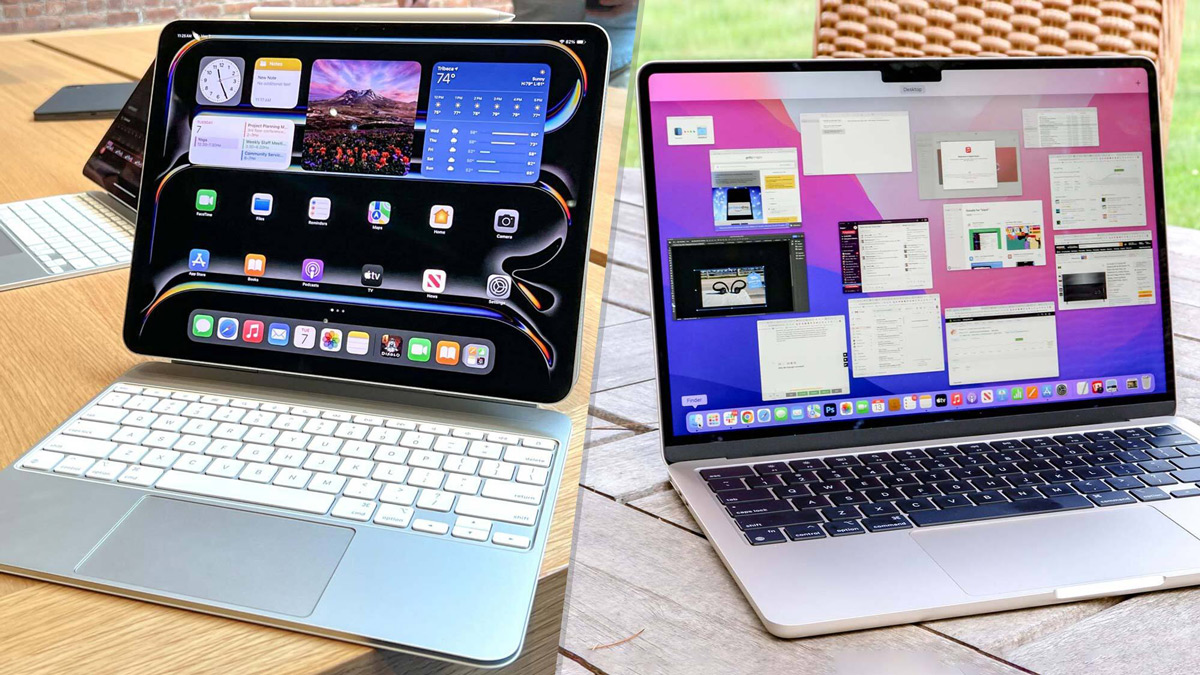
5. Magic Keyboard — Expected Flimsiness, Got a Proper Keyboard
The first thing you expect from a tablet keyboard is a catch. Plastic, a wobbling screen, a cheap trackpad. In reality — none of that.
The Magic Keyboard feels like a proper adult device. Key travel is adequate, nothing rattles or sinks. It's not the best keyboard in the world, but it's not a "well, at least it's something" compromise either. The trackpad is smaller than on a MacBook — that's immediately obvious. But it's glass, with haptic feedback, with familiar gestures. Feel-wise — it's the same "MacBook" experience, just in a smaller size.
6. Build Quality — Aluminum, Everything Solid, Nothing Creaks
The keyboard body is aluminum. The most surprising thing is structural stability. Logically, all the iPad's internals are concentrated in the screen, the center of gravity is shifted upward — and the whole thing should tip over at the slightest tilt. But no: even at maximum tilt angle, the combo stands confidently. To knock it over, you'd have to push it deliberately.
Working on your lap is possible, but less stable than with a laptop: the support area is smaller. This is the only real drawback in build quality.
7. Content Consumption — iPad Is Unrivaled
Watching videos, reading articles, swiping through materials — the iPad is simply more comfortable than any laptop for this. Screen in your hands, high brightness, can hold at any angle without a stand or desk. You can't hold a MacBook in that position. If a significant portion of your time is content consumption, the iPad pays for itself completely.
3 Reasons to Reconsider
1. Apps Live in a Tablet World — and That's a Systemic Problem
Here's the paradox. The hardware is excellent. The keyboard is fine. The screen is good. The processor is powerful. But working is uncomfortable. Why?
Most iPad apps are written for a tablet with fingers. The developers' logic is simple: the screen is in your hands — so everything is done with taps. But as soon as you connect a keyboard and sit down like at a laptop, the apps pretend nothing has changed. On the outside, you have a workstation. Inside — a tablet interface. And at that moment, the entire "wow effect" of the hardware falls apart.
The most telling example is Gmail. Three specific breakdowns every day:
- No templates. On a computer: click, insert name, send. In the Gmail app on iPad, there are no templates at all. Every time — you write from scratch or copy from notes. At 20–30 emails a day, this turns into a dumb waste of time.
- Keyboard shortcuts work inconsistently. Command+Shift+V (paste without formatting) on iPad is Command+Option+Shift+V. More keys — fine, can live with that. But the combination triggers unreliably. When it doesn't trigger — you need to go into the top menu, find "Edit," click with the mouse. Once — no big deal. Twenty times a day — genuinely irritating.
- Only one window. You can't keep multiple emails open simultaneously. Compare data, transfer information, reply to two people at once — not possible.
The same goes for other services: Notion, Google Docs, ChatGPT — all have one window taking up the full screen, without proper multi-window support. The familiar workflow — document on the left, email on the right, notes nearby — simply doesn't work on iPad.
Apple sells the iPad with Magic Keyboard as a laptop replacement. The app world continues to treat the iPad as a tablet. This isn't a bug in one program. It's a systemic problem with the entire concept.
A partial workaround is working through Safari. Web versions of Gmail, Notion, Google Docs behave almost like on a computer: templates work, keyboard shortcuts are stable, multiple windows open. But this is a crutch. Buying a device and working in a browser because the apps can't keep up — that's a compromise, not a solution.
2. The Cursor Doesn't Behave Like on a MacBook
This problem is hard to explain — you have to feel it.
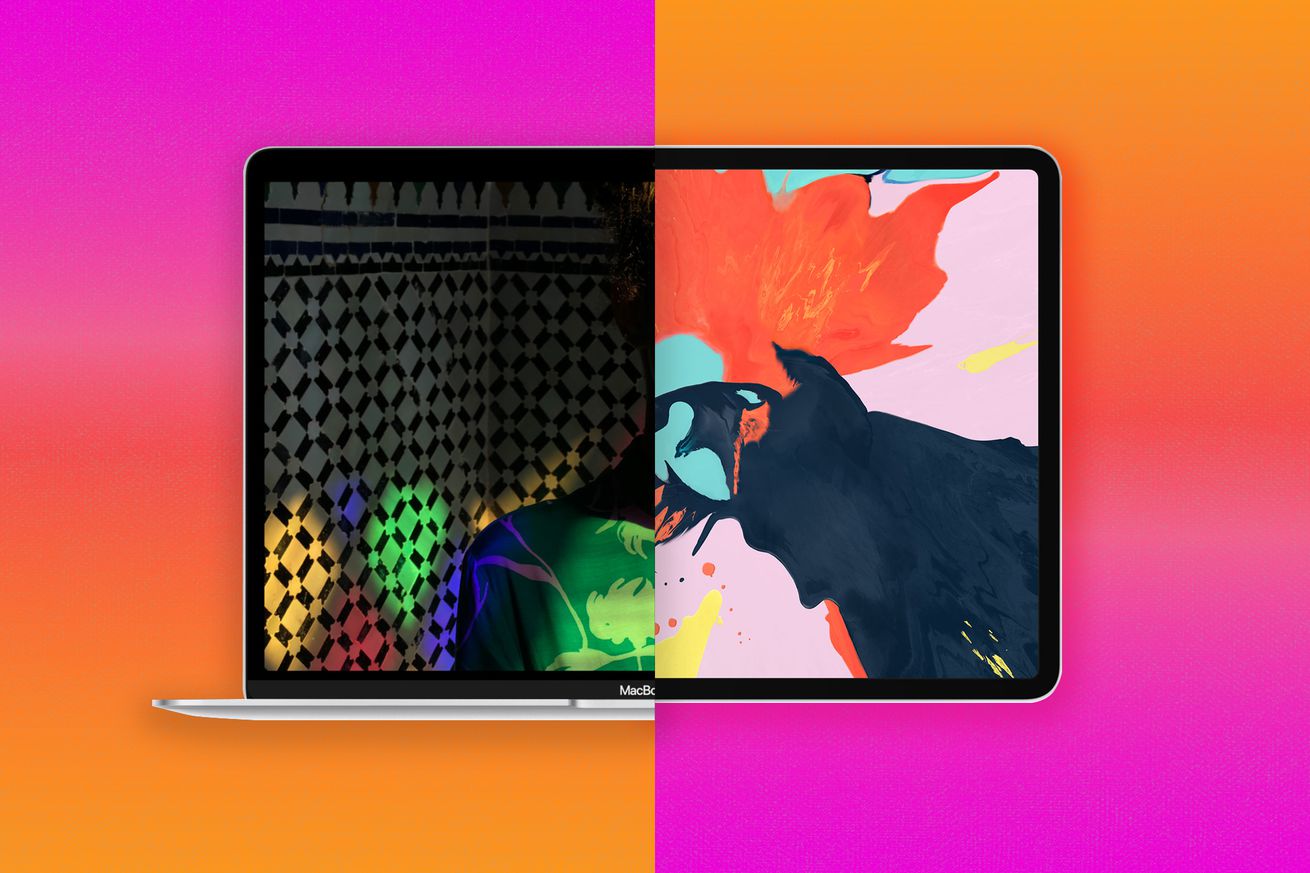
On a MacBook, the cursor moves exactly as you expect: finger on the trackpad — cursor on screen. Full control, predictability, smoothness. On the iPad, the cursor is "sort of normal," but something's off. Sometimes it overshoots slightly, sometimes it reacts with a micro-delay, sometimes the acceleration feels weird.
In "a couple of hours in the evening" mode — unnoticeable. In "8–10 hour workday" mode — it starts to irritate quite noticeably. It's not critical on its own — it's part of the overall sum of compromises.
3. Accumulated Fatigue — the Main Hidden Minus
The most exhausting thing isn't any single specific problem, but their sum. About fifteen times a day, you catch yourself thinking: "On a MacBook, I'd have done this in a second." Constantly something isn't quite right. Constantly looking for workarounds. Constantly switching between the app and the browser.
This isn't a one-off case. It's background noise that accumulates over the day and by evening turns into fatigue from the device. The result of the week-long experiment — 7 out of 10. You can work on it. Fully replacing a MacBook — no.
Who Should Get an iPad, and Who — a Laptop
iPad + Magic Keyboard is a good choice if:
- Main tasks: drawing, handwritten notes, reading, content consumption, working with documents at a relaxed pace
- "Laptop" functionality is needed occasionally: write an email, type text, create a simple file
- Mobility matters: lightness, compactness, working without being tied to a desk
You should get a laptop if:
- Active multi-window work with email, documents, and services — every day
- You need full keyboard shortcuts, a stable trackpad, all app functionality
- Your workday at the device is eight or more hours
The iPad is a tablet that can partially be a laptop. Not the other way around. Understanding this before buying means not being disappointed after.
You can find the right iPad, MacBook, or accessories — with current prices and fast delivery — in the Techno Buyer catalog.
0 comments