
















.png)












































.png)


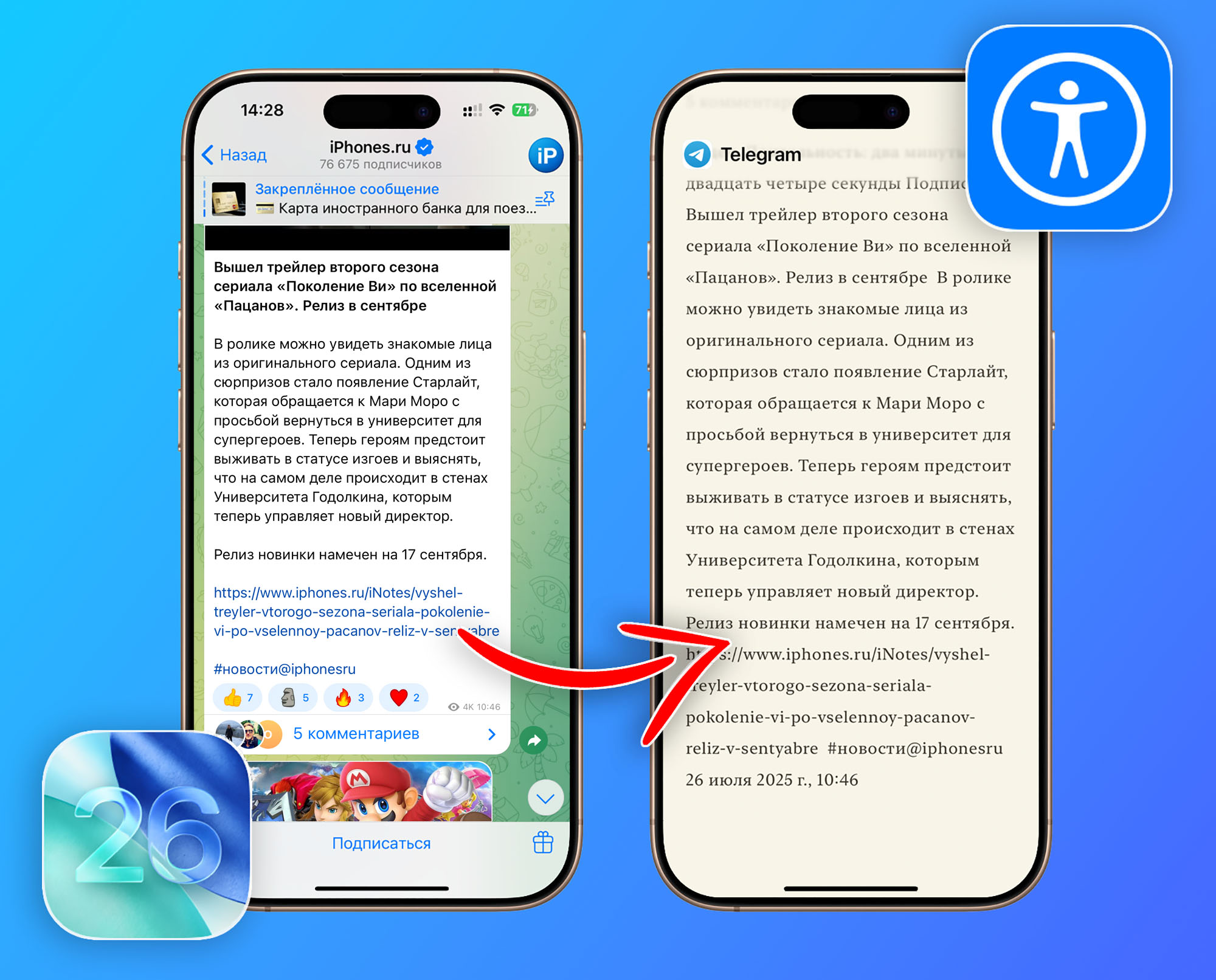
iOS 26 introduces a new feature — Reading View, now available in all apps, not just Safari. This feature removes visual distractions and lets you customize the background and font to make reading more comfortable.
How to Enable Assistive Reading Mode
1. Go to Settings — Accessibility — Spoken Content.
2. Open Reading View and enable the main toggle.
3. Add a toggle to Control Center for quick access.
To activate the mode, triple-press the side button on your iPhone or use the toggle in Control Center.
In reading mode, you can change background color, text color, and font. A new speech panel is also available, allowing you to adjust reading speed and activate text narration by your voice assistant.
0 comments