
















.png)












































.png)


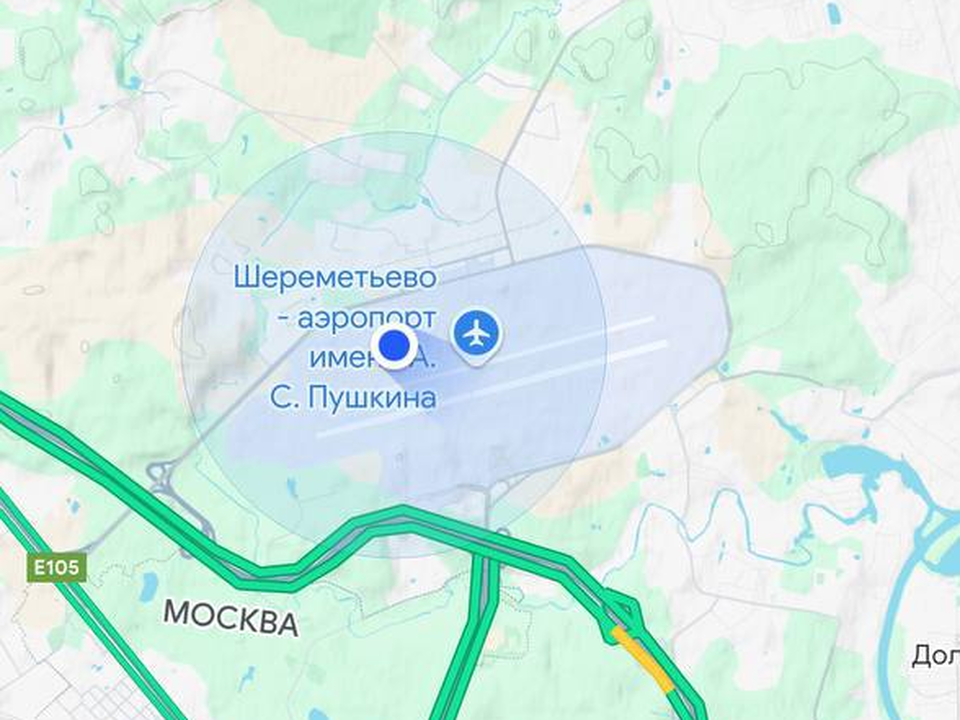
In dense urban areas, navigation apps frequently show incorrect locations — sometimes placing you miles from where you actually stand. These errors can be caused by satellite signal reflection off tall buildings or interference from urban infrastructure.
Effective Solutions
To fix the situation, try restarting your device or using different navigation apps. If that doesn't help, use manual navigation mode. Enter your destination address in a navigation app like Google Maps, but don't press the "Start" button. Instead, track your movement on the map manually, similar to how you'd use a paper map.
2025: Technology and Reality
Even in 2025, navigation errors remain relevant. Location detection problems create difficulties, especially in busy urban traffic conditions. It's often more reliable to rely on manual input and visual tracking than on automatic technologies that struggle in dense urban environments.
0 comments