
















.png)












































.png)


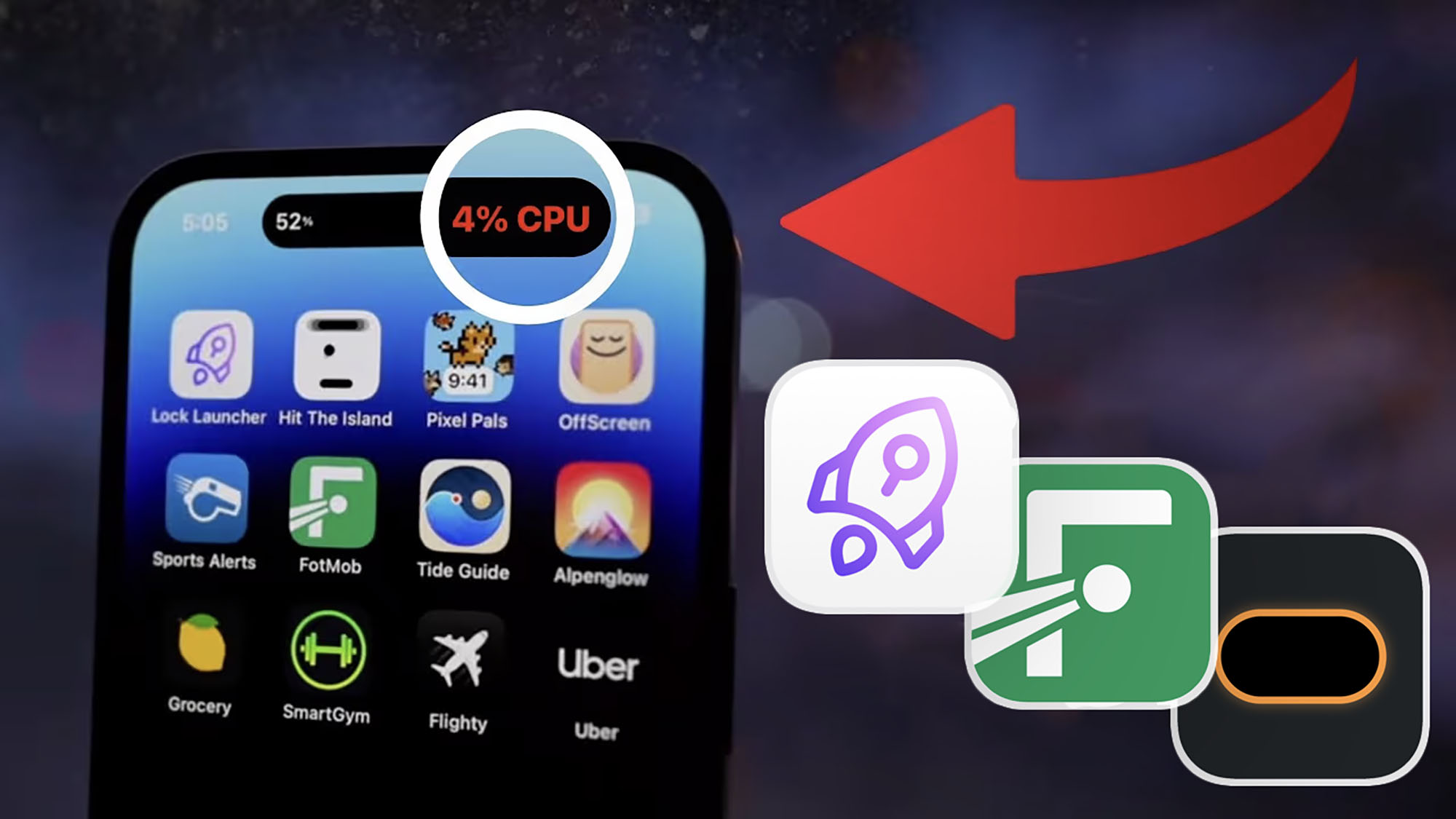
Dynamic Island is one of the key features introduced with iPhone 14 Pro. It lets users interact with live activities and notifications directly from the top of the screen.
Configuring Apps for Dynamic Island
To activate Dynamic Island functionality, go to "Settings," select "Apps," then the desired app, and enable the "Live Activity" toggle. This allows you to manage apps through the Island or disable them as needed.
Built-in Apps for Dynamic Island
Useful built-in apps include:
- Music — playback controls.
- Clock — timer.
- Voice Memos — recording status.
- Flashlight — brightness and beam width settings.
- Music Recognition — current status.
Useful Third-Party Apps
- FotMob — live sports scores tracking.
- Dynamic X — iPhone system metrics monitoring.
- Dynamic Island Notes & Memo — notes and reminders management.
- Google Maps — convenient navigation.
- Lock Launcher — quick app and widget launching.
Using these built-in and third-party apps makes Dynamic Island a powerful tool for boosting productivity and convenience on your iPhone.
0 comments