
















.png)












































.png)


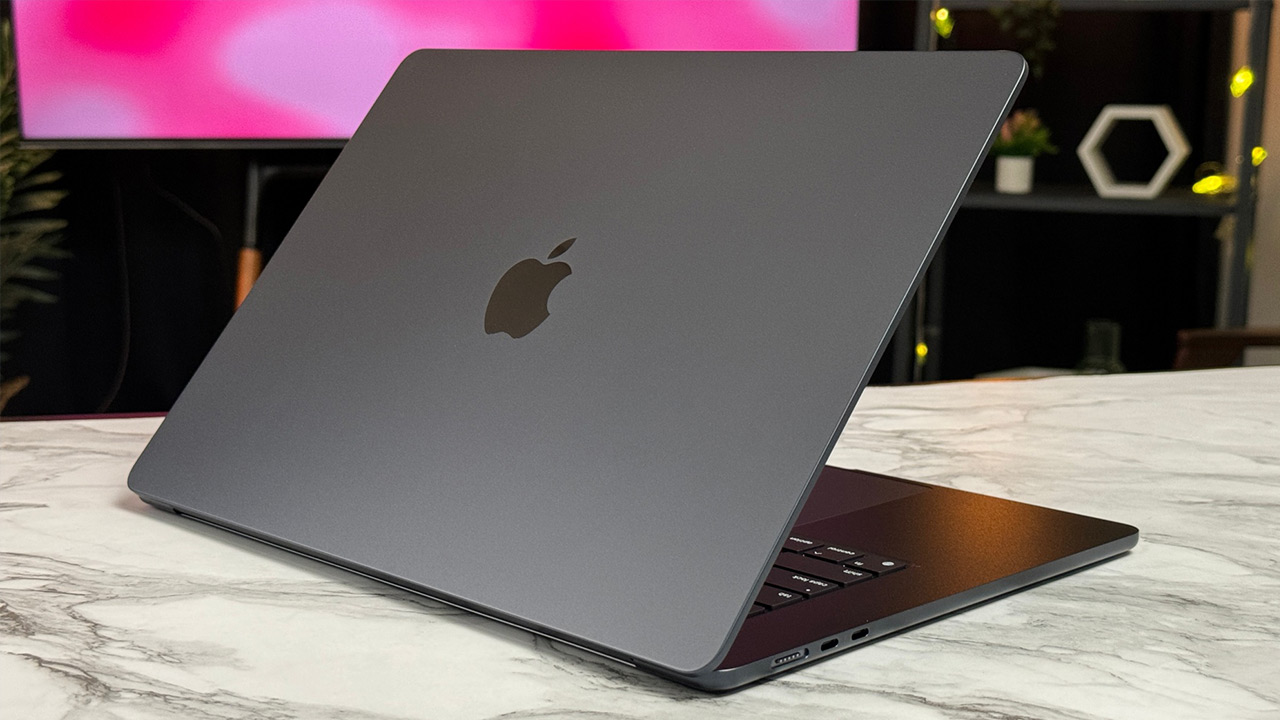
Walk into any electronics store, ask for a powerful MacBook for work, and the consultant will immediately offer a MacBook Pro with the latest M5 Max chip. The fastest processor, cutting-edge architecture, off-the-charts synthetic benchmark numbers. Consumer market logic dictates a simple rule: newer always beats older.
But don't rush to overpay. The best Apple laptop by price-to-real-value ratio in 2026 is the nearly five-year-old M1 Max. It may sound like an attempt to justify outdated hardware, but the math proves otherwise. Below we break down the technical facts, compare real performance, and clearly define who should genuinely pay extra for flagship novelties.
Synthetic Benchmarks Are Just an Illusion
Most buyers hold a stereotype about linear processor aging. It's believed that five-year-old hardware must struggle with modern tasks. Let's compare the "old" M1 Max with the current M5 Pro.
MacBook Pro with M5 processors












In single-core synthetic benchmarks, the M5 Pro wins by a huge margin. Apple's engineers spent five years fundamentally reworking the architecture, boosting clock speeds, and improving compute core energy efficiency. However, professional tasks rarely rely exclusively on a single processor core. Video editing, 3D scene rendering, and code compilation depend on memory bandwidth and dedicated media engines.
This is where the surprises begin. The unified memory bandwidth of the old M1 Max is 400 gigabytes per second. The newer M5 Pro's figure is more modest — 307 gigabytes per second. Additionally, the old flagship has a double set of hardware video encoders. When exporting a heavy ProRes project from Final Cut or DaVinci Resolve, the five-year-old processor processes data faster than the modern mid-range solution. For content creators, there's no difference in rendering speed, and the price gap is colossal.
RAM Matters More Than the Chip
Apple's RAM pricing policy remains brutal. A base 16-inch MacBook Pro with M5 Max with 36 GB of unified memory costs around AED 6,490.
Open the secondary market. For the same budget, you can buy exactly two M1 Max laptops with the same 36 GB of memory. Two full working tools instead of one.
Apple Silicon architecture is designed so that the CPU and GPU share a single memory array. In practice, the amount of RAM affects system speed more than the chip generation. Open a dozen heavy projects in Figma, launch a virtual machine, add a couple of messengers and forty browser tabs. Once the system runs out of physical memory, it starts using slow swap on the SSD. The advanced processor's speed is instantly negated by the lack of RAM. The M1 Max with 36 GB easily handles this load, while a modern base chip with 18 or 24 GB starts choking.
Silence vs Active Cooling
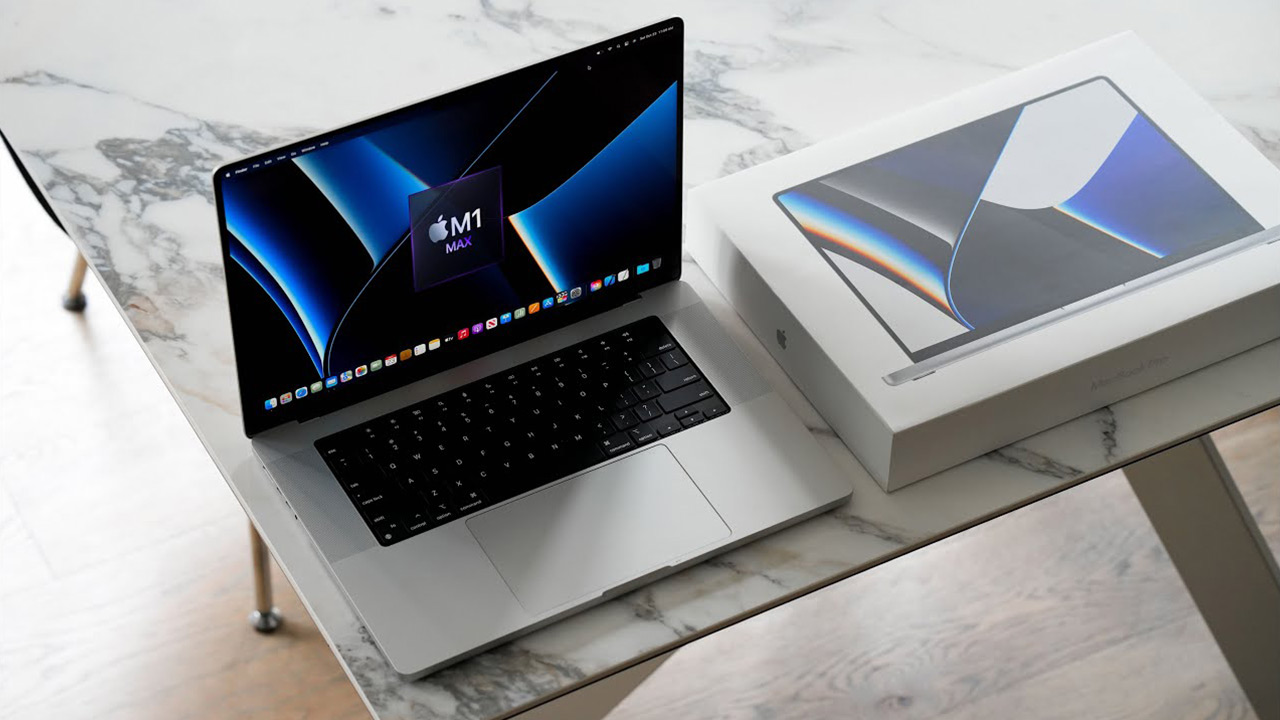
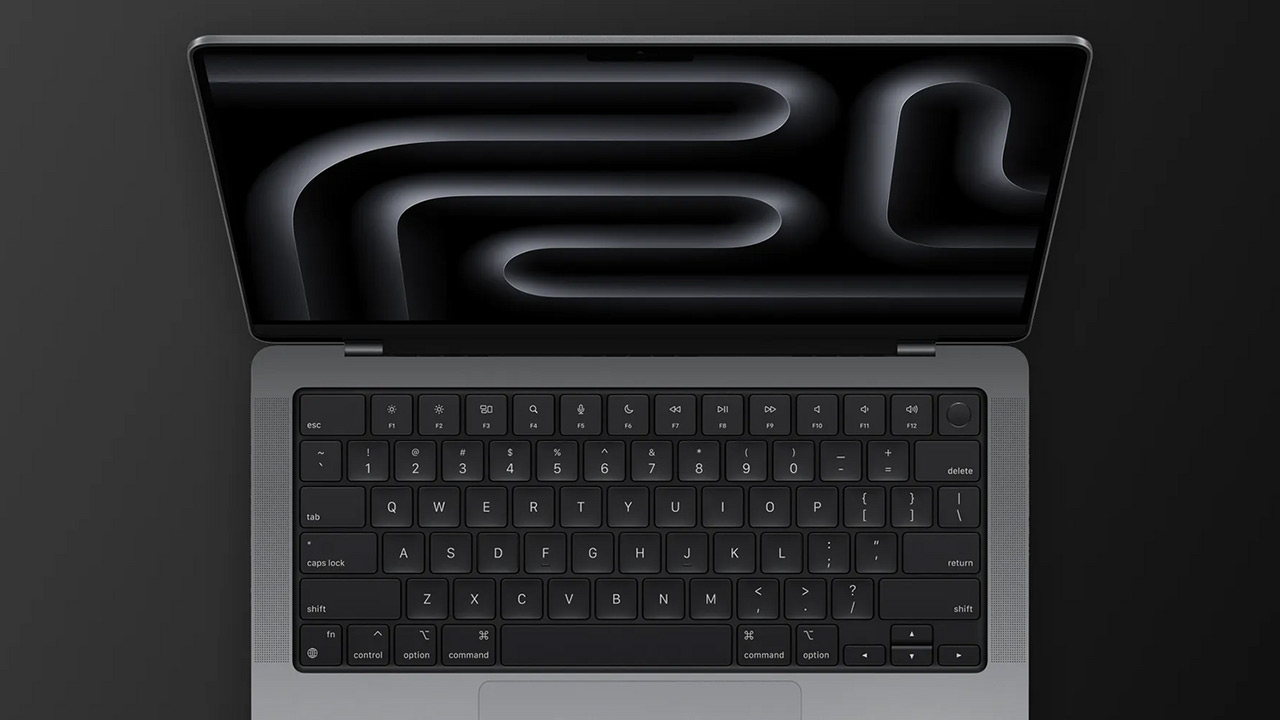
The MacBook Pro's exterior and cooling system design has barely changed across five generations. Inside are identical fans and heatsinks. The difference lies in the chips' heat output.
The modern M5 Max delivers extreme power, but physics can't be tricked: more computing power means more heat. Under sustained heavy load, the new model's cooling system works aggressively. Fans spin to high RPMs, the body heats noticeably around the keyboard area.
The five-year-old flagship behaves completely differently. When browsing, editing light videos, writing text, or basic photo processing, the fans stay still. The laptop remains absolutely silent in 90% of everyday scenarios. Fans only make themselves known when launching heavy games or final rendering of a multi-hour project. For audio engineers, podcasters, and night-owl workers, the absence of background hum becomes the deciding factor. Active fan spinning in modern models additionally accelerates battery drain under peak loads.
Real Battery Life After Years
Lithium-ion battery degradation is inevitable, so buying a used laptop always raises concerns. Practice proves the first-generation platform's surprising longevity.
Even after three to four years of active use, the M1 Max consistently delivers 10–12 hours of office work. Launch heavy video editing or RAW photo processing, and it reliably lasts 4–5 hours.
These figures remain unattainable for the vast majority of new Windows laptops straight out of the box. The platform turned out to be so energy-efficient that even a tired stock battery comfortably covers the needs of a full workday without being tethered to an outlet.
The Hard Math of Buying
Let's get to specific numbers and scenarios. The cheapest 16-inch MacBook Pro with M5 Pro costs around $2,800 on the market. For that sum, the buyer gets a base configuration: 24 GB of RAM and a 1 TB drive.
For the same or noticeably less money, an M1 Max on the secondary market gives you 36 GB of RAM and a 2 TB SSD. One and a half times more memory, twice the storage. With the savings, you can easily add a quality external monitor or professional headphones.
Run a blind test. Put a designer or programmer at both machines, cover the logos, and let them work for a week. Nine out of ten professionals won't notice the difference in compile speed or interface responsiveness. But the extra terabyte of built-in storage is noticed by everyone who's daily spared from plugging in an external drive via cable. A ten percent processor performance bump in a rare peak scenario is never felt.
Who Genuinely Needs the Newest Chip
The previous arguments don't make modern flagships bad. The new generation offers fantastic capabilities, but they're needed by a narrow layer of specialists. There are three clear scenarios where the premium justifies every dirham spent.
Neural networks and machine learning. AI hardware accelerator performance in M5 processors has grown exponentially. If your routine consists of working with local language models, generating images via Stable Diffusion, using heavy AI masks in video editors, or AI plugins in Photoshop — the difference is colossal. The new generation handles such tasks several times faster.
Port bandwidth. Current-generation laptops come with Thunderbolt 5 ports. The interface bandwidth tripled compared to Thunderbolt 4. For colorists working with massive video files directly from external RAID arrays, the increased data transfer speed is critically important.
Long support horizon. The M1 architecture is approaching its fifth birthday. In a couple of years, the manufacturer will start gradually restricting new macOS versions for older machines. By buying an M5 Max now, the user invests in a platform that will receive security updates and new system features for at least seven to eight years.
An Alternative for Pragmatists
If the prospect of imminent support cessation worries you, but paying $3,000 for a flagship isn't appealing, it's logical to reconsider the device format itself. Ask yourself: do your tasks really require the Pro version?
MacBook Air with M5 is the ideal compromise. The laptop is completely fanless, minimal weight, and easily handles basic video editing, code, graphic design, and dozens of browser tabs. The current chip guarantees long update support, and the device's cost stays within reasonable limits.
Verdict
Tech bloggers live in a release cycle where each new processor is presented as a technological revolution. Constantly rising benchmark scores make users doubt the relevance of their own devices.
Reality is far more prosaic. A faster laptop coming out doesn't make five-year-old hardware slow. For the vast majority of work tasks, the line between "incredibly fast" and "even faster" is indistinguishable and certainly not worth three thousand dollars. Apple created such a powerful foundation with the first generation of its own processors that the MacBook Pro with M1 Max confidently remains the best purchase for a calculating professional in 2026. The optimal choice is rarely the newest.
0 comments