
















.png)












































.png)


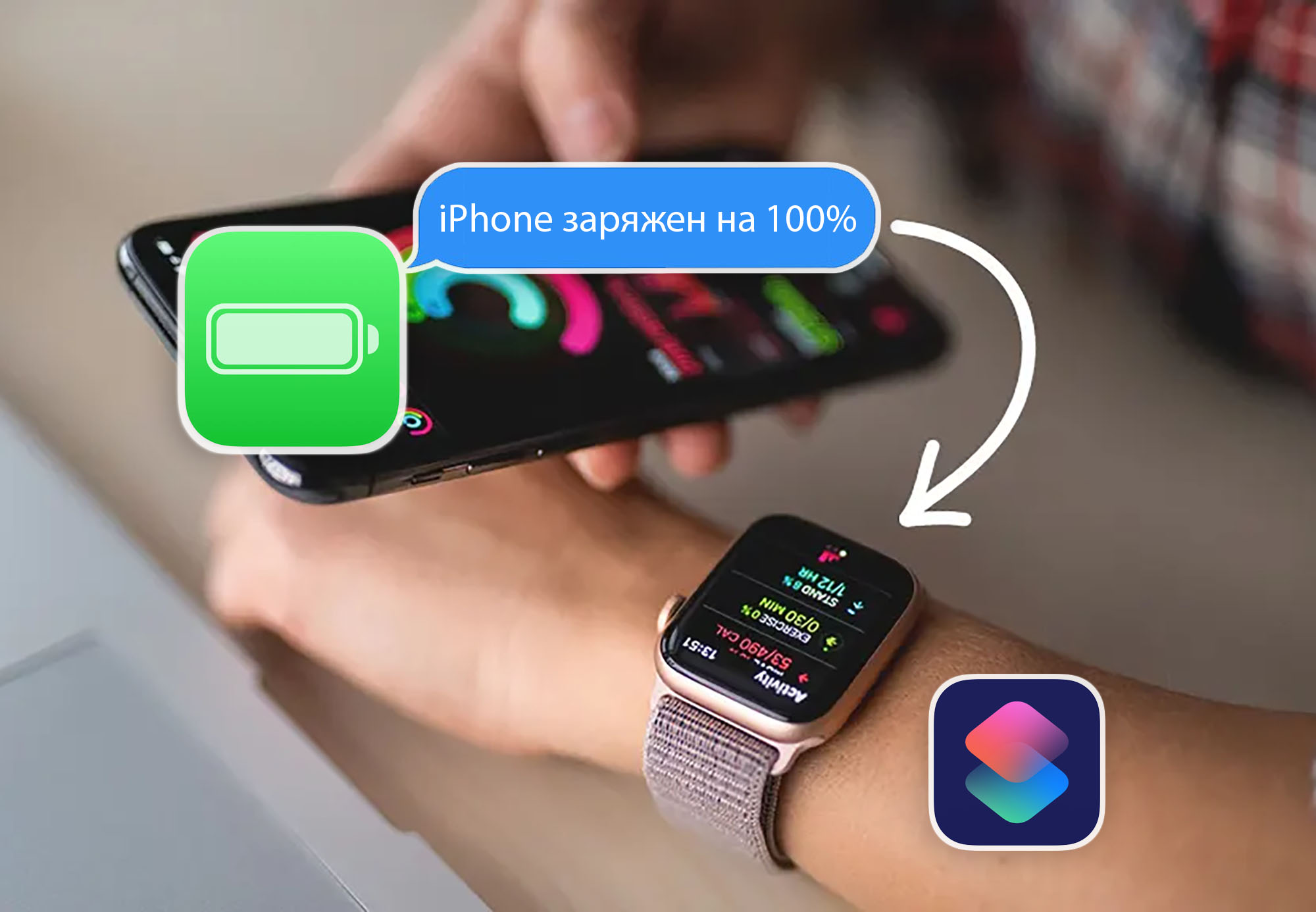
Getting Apple Watch notifications when your iPhone is fully charged helps avoid unnecessary strain on the battery. This can be achieved using a specialized Shortcut.
Step-by-Step Guide:
1. Install the "Shortcuts" app on your iPhone.
2. Download and configure the shortcut:
- Set your working hours (default: 9 PM to 6 AM).
- Customize the notification text.
- Set the repeat interval (15 minutes).
3. Make sure notifications are enabled on your Apple Watch.
4. Save the shortcut and open the "Automations" tab in the Shortcuts app.
5. Create a new automation with the condition: "Battery Level — Equals 100%."
6. Select "Run Shortcut" and choose the "Unplug Me" shortcut.
Once configured, when your iPhone is fully charged, your Apple Watch will receive a notification reminding you to unplug it. If the iPhone remains plugged in after 15 minutes, the notification will repeat.
0 comments